

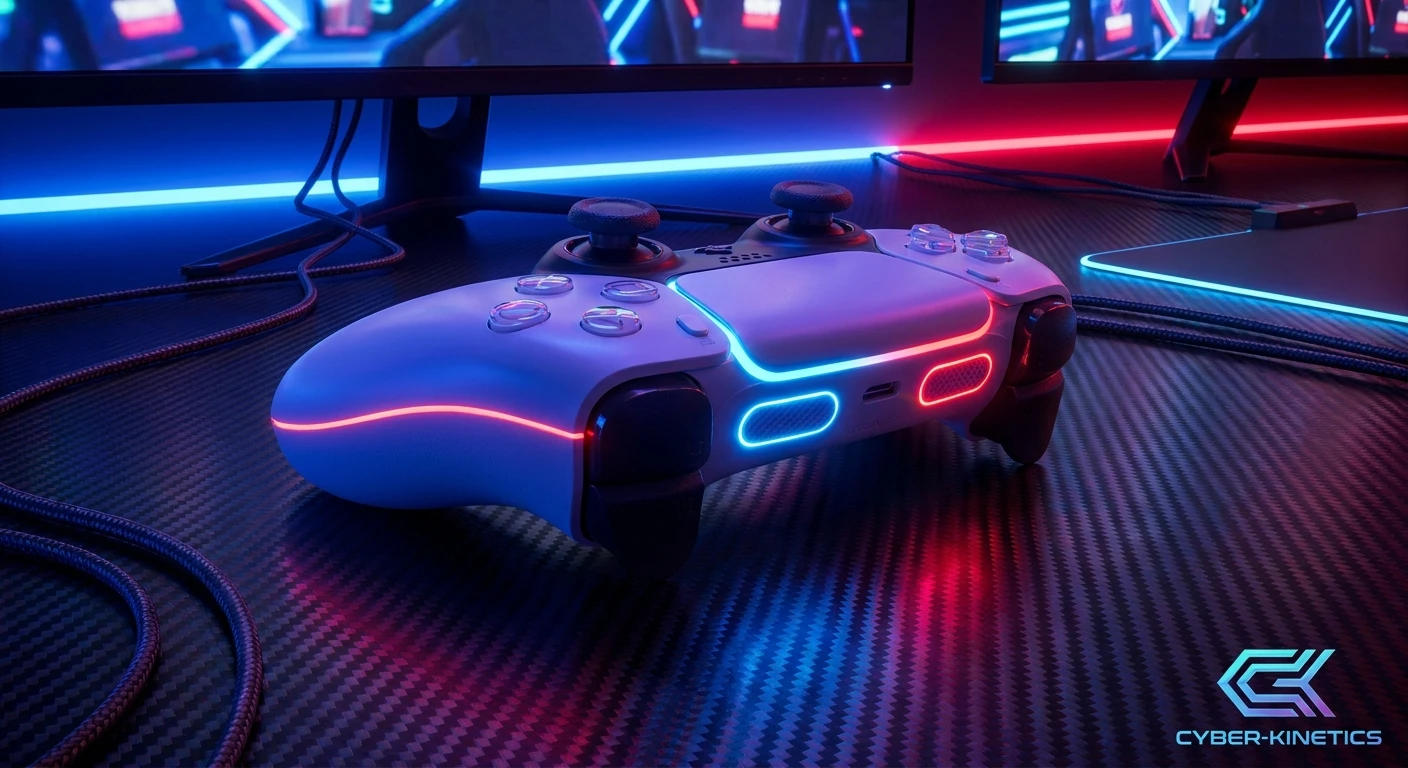
Nacon Revolution 5 Pro: Redefining Competitive Control
Finding the perfect piece of hardware can completely shift the way you approach your favorite competitive games, and the Nacon Revolution 5 Pro is designed to do exactly that. If you are tired of dealing with hardware failures, imprecise analog inputs, and a lack of ergonomic customization, you are definitely not alone. E-sports professionals and dedicated enthusiasts alike have long sought a pad that perfectly bridges the gap between console convenience and elite performance metrics. Enter this officially licensed PlayStation wireless gaming controller, a premium device engineered specifically to eliminate the most common frustrations faced by modern console and PC gamers. By integrating cutting-edge magnetic sensors, physical modularity, and comprehensive software customization, this controller stands as a massive leap forward in peripheral technology.
Hardware degradation, particularly analog stick drift, has been a thorn in the side of the gaming community for over a decade. Traditional potentiometers wear down rapidly under the intense physical stress of daily gaming sessions. However, the Nacon Revolution 5 Pro directly tackles this issue by utilizing advanced internal mechanisms that bypass physical friction entirely. It is fundamentally designed for gamers seeking high-end performance, offering a level of durability and precision that standard stock controllers simply cannot match. Whether you are holding angles in a tactical shooter, executing frame-perfect combos in a fighting game, or navigating complex tracks in a sim-racer, having a responsive, fully customizable tool in your hands is absolutely crucial.
Read also: Mastering the PS5 Elite Controller: A Complete Guide; Ultimate Asus ROG Ally 2 Guide.
The Core Advantages and Unique Value Proposition
When you start analyzing the top-tier controller market, the conversation inevitably revolves around durability, latency, and layout. The Nacon Revolution 5 Pro offers a highly sought-after asymmetrical thumbstick layout, which provides an alternative ergonomic stance for PlayStation users who prefer offset sticks. But the real magic lies beneath the external shell. The integration of magnetic Hall effect technology means that the internal sensors read positional data using magnetic fields rather than physical contact points. This dramatically extends the lifespan of the analog sticks and completely eradicates the dreaded stick drift that ruins standard controllers.
Beyond the sticks, the controller offers physical trigger stops. With the flip of a mechanical switch, you can reduce the travel distance of your triggers, allowing for near-instantaneous firing in first-person shooters. Add in the built-in Bluetooth audio capabilities—allowing you to connect your favorite wireless headset directly to the controller—and the swappable weights in the hand grips, and you have a heavily individualized piece of technology. Let us compare the Nacon Revolution 5 Pro against a standard gaming pad.
| Hardware Feature | Standard Stock Controller | Nacon Revolution 5 Pro |
|---|---|---|
| Analog Stick Technology | Carbon Potentiometers (Prone to physical wear and drift) | Magnetic Hall Effect (Frictionless, drift-resistant design) |
| Trigger Mechanisms | Full-pull analog triggers only | Adjustable physical trigger stops for shorter travel |
| Ergonomic Customization | Fixed weight and standard stick caps | Swappable grip weights, interchangeable thumbstick heads |
| Back Button Mapping | Requires third-party attachments (if supported) | Four fully programmable, integrated rear paddles |
To fully extract the maximum value out of this premium device, you need to engage with its modular nature. Here are the most effective ways to optimize your gameplay experience right out of the box:
- Experiment with the Physical Weights: Slide off the rear grip panels and test out the included 10g, 14g, and 16g weights. A heavier controller can stabilize your hand movements during tense gameplay, while a lighter setup reduces wrist fatigue during marathon sessions.
- Utilize the PC Companion App: Do not just rely on the default button layouts. Connect the pad to your computer and use the official software to manipulate the stick response curves. You can make the initial stick movement highly sensitive for flick-shots, or dial it back for smoother camera panning.
- Engage the Trigger Stops for FPS Games: If you are playing games where every millisecond matters, activate the rear trigger stops. This converts the long, sweeping pull of a driving game trigger into a rapid, mouse-like click, significantly increasing your rate of fire.
- Map Face Buttons to Rear Paddles: Keep your thumbs securely on the analog sticks at all times by assigning essential functions like jump, crouch, or reload to the four back paddles. This technique drastically improves your aerial mobility and reaction times in fast-paced competitive environments.
Origins of the Pro Controller Market
To appreciate the advanced engineering of current-generation hardware, one must look at how the high-end peripheral market originated. Years ago, competitive gamers had to rely on custom-modded controllers built by niche workshop companies. These early innovators would physically drill into standard gamepad shells to install tactile buttons on the back, allowing players to perform complex movements without sacrificing stick control. The demand for these expensive, custom-built tools proved that a significant portion of the gaming community was willing to invest heavily in competitive advantages.
Evolution of the Nacon Revolution Lineage
Nacon recognized this massive gap in the official retail market early on. Over the previous console generation, they began producing the Revolution series, deliberately choosing an asymmetrical analog stick design to appeal to players who migrated across different platforms. With each iteration, Nacon incorporated community feedback, improving the tactile feel of the directional pad, refining the proprietary software interface, and reinforcing the USB connections. The journey from the original Revolution models to today’s elite hardware reflects a relentless pursuit of engineering excellence and player-focused design.
The Modern State of E-Sports Hardware
Today, the landscape of competitive gaming hardware is vastly different. High polling rates, modularity, and frictionless sensors are no longer just luxury concepts; they are baseline expectations for top-tier players. The Nacon Revolution 5 Pro represents the culmination of years of e-sports research. It strips away unnecessary gimmicks in favor of raw performance, proving to be the perfect ally for competitive gamers who demand unwavering reliability during high-stakes tournament brackets.
Scientific Deep Dive: Engineering Precision
The Mechanics of Hall Effect Sensors
The term “Hall Effect” is frequently tossed around in modern hardware discussions, but understanding the actual science behind it is fascinating. Traditional analog sticks use potentiometers—small internal discs lined with carbon tracks. As you push the stick, metal wipers rub against these tracks to measure electrical resistance, calculating your on-screen movement. Over time, this physical scraping wears the carbon down, creating dead zones and phantom inputs (stick drift). Hall Effect sensors operate on completely different physical principles. Instead of physical contact, they use tiny magnets. As you move the analog stick, the distance between the magnet and a stationary electrical conductor changes, altering the voltage. The controller’s processor reads these micro-voltage changes to determine position. Because the components never physically touch, friction is eliminated, resulting in a buttery-smooth feel and a lifespan that exponentially outlasts standard pads.
Wireless Audio and Latency Mitigation
Latency is the enemy of any competitive gamer. When operating wirelessly, controllers must transmit high-density data packets containing button inputs, analog stick vectors, and potentially audio signals, all in a fraction of a millisecond. Nacon addressed this by equipping the controller with a dedicated USB-A RF dongle, ensuring a highly stable connection that minimizes input lag compared to standard Bluetooth syncing. Furthermore, the pad allows for simultaneous audio processing, meaning you can hear the game and chat with teammates without experiencing noticeable audio delay.
- Magnetic Precision: Positional data is read via magnetic field variations, preventing internal component degradation over millions of actuations.
- Mechanical Actuation: The directional pad and face buttons utilize premium micro-switches, delivering a distinct, audible click and a drastically reduced actuation distance compared to standard membrane rubber domes.
- Battery Efficiency: Despite processing complex magnetic sensor data and wireless audio, the internal power management system is optimized to deliver up to 10 hours of battery powered gaming.
- Polling Rate: In wired mode, the controller’s data transmission rate is heavily prioritized, ensuring that your split-second button presses are registered by the console’s CPU instantaneously.
Mastering Your Hardware: A Step-by-Step Setup Plan
Getting your hands on a premium device is only the first part of the journey. To truly elevate your game, you need a structured approach to customizing the hardware to fit your specific biomechanics and playstyle. Follow this comprehensive setup guide to fully integrate the controller into your competitive routine.
Step 1: Unboxing and Initial Hardware Inspection
When you open the premium EVA carrying case, take inventory of all modular components. You will find various thumbstick heads (concave and convex), differing shaft rings to alter stick tilt angle, and the weight capsules. Familiarize yourself with how the grip panels detach and reattach smoothly.
Step 2: Customizing the Physical Weights
Before ever turning the console on, find your ideal balance. Slide off the back grips and insert the weights. Start with the 14g weights for a balanced, solid feel. If the controller feels too front-heavy, adjust accordingly. This step is vital for preventing wrist strain over long sessions.
Step 3: Installing the Companion App
Hook the controller up to your computer and download the official Nacon software. This interface is your command center. Ensure you update the controller’s firmware to the latest version immediately to guarantee maximum stability and compatibility across all platforms.
Step 4: Mapping the Rear Paddles
Create a dedicated profile for your most-played game. If you play a shooter, assign jump to the bottom-left paddle and crouch/slide to the bottom-right. This configuration allows you to aim, shoot, jump, and evade simultaneously without your right thumb ever leaving the targeting stick.
Step 5: Tuning the Hall Effect Joysticks
Dive into the analog stick settings within the app. If you tend to over-aim, adjust the response curve to be less sensitive in the center and ramp up towards the edges. This gives you micro-precision for sniping while maintaining the ability to whip around quickly when a target approaches from behind.
Step 6: Adjusting the Trigger Stops for FPS
Flip the controller over and engage the physical slider switches next to the triggers. By shortening the physical pull, your weapon will fire the instant you apply pressure. Note: ensure you also adjust the trigger activation point in the software to match the shortened physical travel distance.
Step 7: Testing Connectivity and Audio
Plug the USB dongle into your console or PC. Test the connection in both wired and wireless modes. Connect a Bluetooth headset directly to the controller (or plug into the 3.5mm jack) and adjust the onboard volume and microphone gain using the built-in multifunction buttons. The controller works seamlessly as a Wireless/Wired for PlayStation 4/PlayStation 5 device, adapting to your specific setup requirements.
Myths & Reality: Separating Fact from Fiction
Whenever a highly anticipated piece of hardware hits the market, misinformation tends to spread rapidly. Let us clear up some of the most persistent rumors regarding this device.
Myth: Buying a premium controller instantly makes you a professional player.
Reality: While high-end hardware removes physical bottlenecks like input lag and stick drift, raw mechanical skill, map awareness, and game sense still dictate your overall success. The controller facilitates your potential; it does not invent it.
Myth: The Nacon Revolution 5 Pro is far too heavy for casual use.
Reality: The controller’s weight is entirely up to you. If you prefer a feather-light gamepad, you can simply remove all internal weights from the grips, making it highly comfortable for long, casual, single-player campaigns.
Myth: It features the exact same haptic feedback as standard PS5 controllers.
Reality: To comply with stringent competitive design philosophies and specific licensing restrictions, this model does not feature standard adaptive triggers or the same localized haptics found in base console gamepads. It focuses purely on e-sports performance metrics over cinematic immersion.
Frequently Asked Questions & Final Thoughts
Does it work wirelessly on PS5?
Yes, it utilizes a dedicated USB RF dongle to provide a highly stable, low-latency wireless connection to the PS5 console.
Can I replace the analog stick caps?
Absolutely. The controller includes multiple stick heads in the box, allowing you to swap between convex and concave shapes based on your thumb grip preference.
Does it have adaptive triggers?
No. It opts for adjustable physical trigger stops, which are highly preferred in the competitive scene over resistance-based adaptive triggers.
How long is the battery life?
When fully charged and optimized, the internal battery can easily support up to 10 hours of continuous wireless gameplay.
Is the Nacon Revolution 5 Pro compatible with PC?
Yes. It features a physical toggle switch that seamlessly changes the controller’s output mode between PS5, PS4, and PC, ensuring maximum cross-platform versatility.
What is a Hall Effect sensor?
It is an internal component that uses magnetic fields to detect stick movement, completely eliminating internal friction and preventing the development of stick drift.
Can I plug in a wired headset?
Yes, there is a standard 3.5mm audio jack at the base of the controller for traditional wired headsets, in addition to its advanced Bluetooth audio capabilities.
In the highly competitive world of modern gaming, ensuring your inputs are accurately represented on-screen is paramount. The Nacon Revolution 5 Pro strips away the frustrations of standard hardware, offering an incredibly robust, modular, and drift-resistant solution for serious players. If you are ready to take full control of your competitive destiny, it is time to upgrade your arsenal and experience true mechanical precision today.





Leave a Reply