
You know what? Streaming used to be the cheap alternative to traditional pay television. We all cut the cord to save a few bucks. But now, checking your bank statement feels a bit like a bad joke. Every single month, another ten or twenty dollars disappears.
We have Netflix for the massive hits. We have Stan for the local stuff. We have Disney for the kids. And then there is Binge. It is the platform everyone talks about when a massive new drama drops. But you really have to ask yourself a simple question. How much is Binge per month?
And more importantly, is it actually worth adding another direct debit to your life? I have been using the platform for a few years now. I have seen the price go up. I have seen them add advertisements. Let me explain exactly how their pricing works right now. This is the honest breakdown of what you get for your money.
The Short Answer on Pricing
If you just want the quick numbers, I have got you covered. Binge is not a one-size-fits-all service. They offer three different subscription tiers. You choose how much you want to pay based on how many screens you need and whether you hate watching ads.
The cheapest option starts at ten dollars a month. The middle option sits at eighteen dollars a month. And the top tier will cost you twenty-two dollars every month. There are no lock-in contracts. You pay month by month. You can cancel whenever you want.
But the price tag only tells half the story. The features you get on the ten-dollar plan are vastly different from the twenty-two-dollar plan. Let us look closer at what those extra dollars actually buy you.
Breaking Down the Binge Tiers
To make this easy to understand, here is a clear look at the three plans Binge currently offers in Australia. They tweaked these recently, so make sure you are looking at the current setup.
| Plan Name | Monthly Price | Simultaneous Screens | Video Quality | Advertisements |
|---|---|---|---|---|
| Basic | $10.00 | 1 Screen | High Definition (HD) | Yes |
| Standard | $18.00 | 2 Screens | 4K Ultra HD | No (On Demand) |
| Premium | $22.00 | 4 Screens | 4K Ultra HD | No (On Demand) |
As you can see, they push you pretty hard toward that middle tier. The jump from ten dollars to eighteen dollars is significant. But so is the jump in video quality and the removal of those annoying commercial breaks.
The Basic Plan Experience
Let us talk about the Basic plan. For ten bucks a month, it sounds like a decent deal. You get access to the exact same library of shows and movies as the people paying top dollar. You are not missing out on any content.
But there is a catch. And it is a fairly big one. The Basic plan includes advertisements. Binge introduced ads a little while ago to keep their base price low. If you are watching a tense, dramatic moment in a television show, an ad break might suddenly cut in.
Honestly, the ad load is not the worst I have seen. It is not like watching traditional commercial television where you get five minutes of ads every ten minutes. But it does break the immersion. You also only get High Definition quality. And you can only watch on one screen at a time. If you live alone and are on a tight budget, this could work for you.
The Standard Plan Sweet Spot
This is where most people end up. The Standard plan costs eighteen dollars a month. For that extra eight bucks, you get rid of the advertisements on all on-demand movies and television shows. It is a much cleaner viewing experience.
You also get a massive bump in visual quality. Binge finally introduced 4K viewing for their Standard and Premium tiers. If you have a decent television sitting in your lounge room, the jump from standard HD to 4K is incredibly noticeable. The picture is sharper, the colours pop more, and the dark scenes are actually visible.
Plus, you get two simultaneous streams. This means you can be watching a movie in the living room while your partner watches a reality show on the iPad in bed. It stops a lot of arguments.
The Premium Plan for Big Households
Then we have the big one. The Premium plan hits your account for twenty-two dollars a month. This is getting up there in price. It is one of the more expensive streaming tiers in the country right now.
What do you get for that money? You get four simultaneous screens. That is the only real difference between Standard and Premium. The video quality is the same 4K. The ad-free experience is the same.
This plan is designed entirely for big families or share houses. If you have teenagers who all want to watch different things on their phones at the same time, this stops the app from kicking anyone out. If there are only two of you in the house, do not waste your money on this tier.
The Foxtel Connection Explained
We need to talk about where Binge actually comes from. If you did not know, Binge is owned by the same parent company as Foxtel. It is run by a company called Streamotion, which also runs Kayo Sports.
This is important because it explains why Binge has such good content. For decades, Foxtel had a monopoly on the best premium television in Australia. If you wanted to watch the big American shows, you had to pay a massive monthly fee for a Foxtel set-top box. It was expensive.
Binge is basically their answer to Netflix. It gives you access to the best parts of the Foxtel entertainment catalog without the lock-in contracts or the bulky hardware. You get the premium shows at a fraction of the old pay-TV prices. It completely changed how we access high-end television down under.
What Do You Actually Get to Watch?
So, you are handing over your cash every month. What is actually sitting in the library? Binge has a very specific flavor. It is not trying to be everything to everyone like Netflix does. It focuses heavily on prestige television and reality shows.
Here is what you can expect to find when you start scrolling.
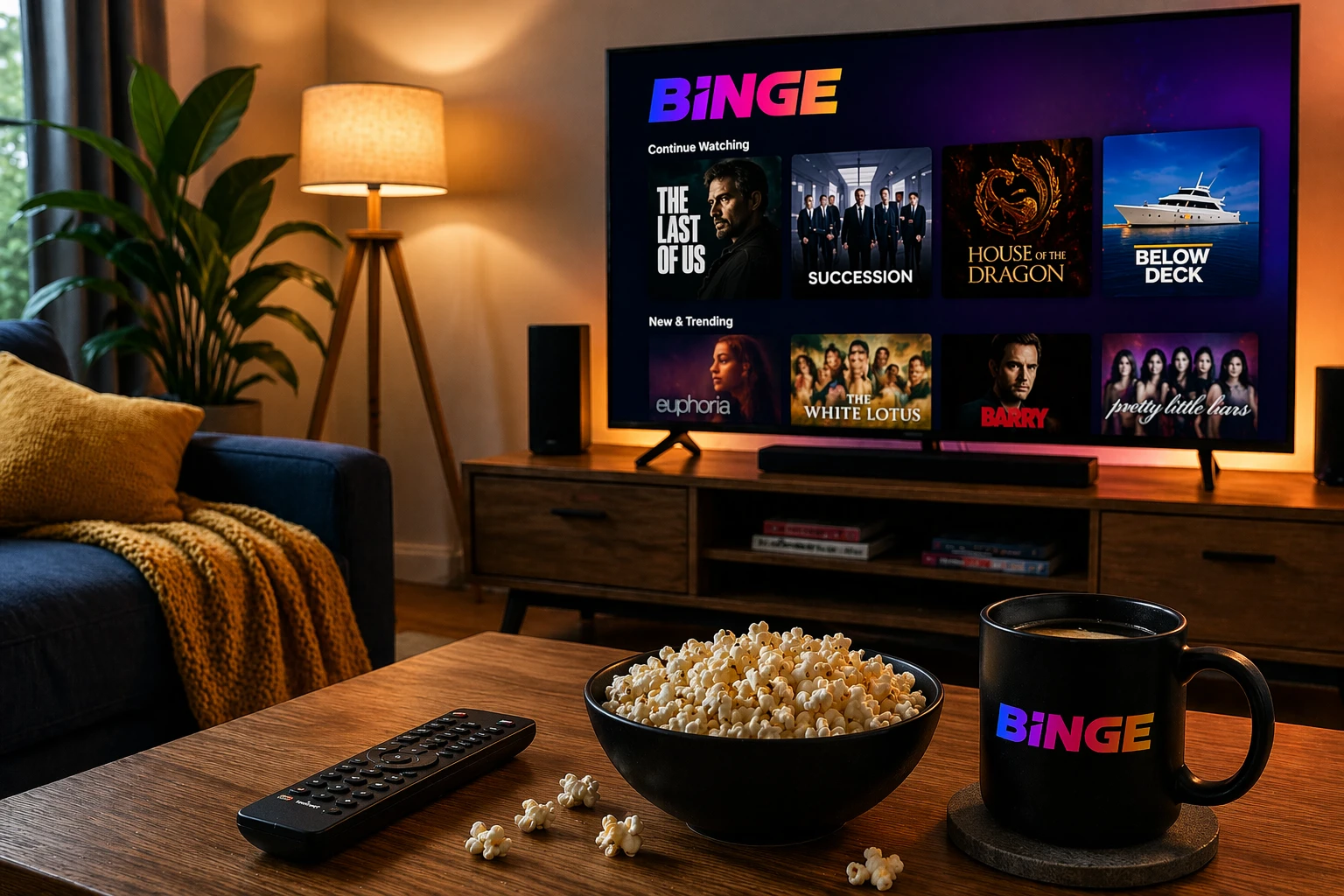
- The complete HBO catalog. This is the main drawcard. You get shows like Succession, The Sopranos, The Wire, and The Last of Us.
- Massive reality television franchises. They have a huge selection of Below Deck, The Real Housewives, and various cooking competitions.
- A rotating list of blockbuster movies. They get a lot of major studio films shortly after they leave the cinema.
If you love high-quality drama, Binge is almost mandatory. HBO makes the best television in the world. And Binge is the only place you can stream it easily in Australia without jumping through hoops.
The 4K Internet Catch
I mentioned earlier that the Standard and Premium plans offer 4K streaming. This is brilliant. But there is something you need to check before you upgrade. You need to look at your home internet connection.
Streaming in 4K uses a massive amount of data. And it requires a fast, stable connection. If you are on a slow NBN plan, or if your Wi-Fi router is sitting on the other side of the house, the 4K stream will constantly buffer. It will drop back down to blurry standard definition to keep playing.
You generally need a consistent internet speed of at least 25 Megabits per second to stream 4K smoothly. Most modern Aussie NBN plans handle this easily. But if you have multiple people in the house downloading games or watching YouTube at the same time, your Binge stream might struggle. Just keep that in mind before paying extra for the top quality.
Are the Ads Really That Bad?
Let us circle back to the Basic plan and the advertisements. A lot of people are furious that streaming services started doing this. We paid for streaming to escape the ads on free-to-air television. It feels like a step backward.
But the reality is, the costs of making these massive shows keep rising. The platforms need to make money. On Binge, the ads usually play before the show starts, and a few times during the episode. They are typically short.
However, Binge has a weird quirk. Even if you pay for the Standard or Premium plan to remove ads, you might still see them on the live linear channels. Binge has a few live channels that broadcast shows on a schedule, just like regular television. Those live feeds still contain ads, regardless of your subscription tier. The ad-free promise only applies to the on-demand stuff you click and play yourself.
Sharing Your Password
This is a hot topic right now. Netflix cracked down incredibly hard on password sharing. They stopped people from sharing their accounts with friends and family who live in a different house. It made a lot of users angry.
So far, Binge has been a bit more relaxed about this. You can still log in on different devices in different locations. They rely on the screen limits to control things.
If you are on the Standard plan, you only get two screens. If you give your password to your mum, and she gives it to your sister, you will quickly hit that limit. When you try to watch a movie on a Friday night, the app will tell you too many people are streaming. You then have to aggressively text your family members to get off the app. It is a hassle, but it is still possible to share if you coordinate.
Binge Compared to the Rest
You cannot judge the price of Binge in a vacuum. You have to look at what the other guys are charging. The streaming market in Australia is fiercely competitive right now.
Here is a rough comparison of how Binge stacks up against the main competitors when it comes to monthly costs.
| Streaming Service | Entry Tier Price | Top Tier Price | Key Content Focus |
|---|---|---|---|
| Binge | $10.00 (With Ads) | $22.00 | HBO Dramas, Reality TV, Blockbusters |
| Netflix | $7.99 (With Ads) | $25.99 | Original Series, Documentaries, Global Hits |
| Stan | $12.00 | $21.00 | Aussie Originals, US Dramas, RuPaul |
| Disney Plus | $13.99 | $17.99 | Marvel, Star Wars, Pixar, Family Content |
Looking at that table, Binge is priced very competitively. Their basic entry price is similar to Netflix. Their top tier is actually a few dollars cheaper than the premium Netflix plan. They sit right in the middle of the pack. You are not getting ripped off compared to the market average.
Using the Binge App
The price does not matter if the app is a nightmare to use. Luckily, the Binge interface is pretty solid. It took them a while to get it right, but it works smoothly now.
They sort their content into Hubs. You can click on the HBO hub and just browse their premium shows. You can click on the True Crime hub. It makes finding something to watch a lot easier than the endless scrolling you do on other apps.
It is also widely supported. You can download the Binge app on almost anything.
- Smart televisions from Samsung, LG, and Hisense.
- Streaming devices like Apple TV, Google Chromecast, and Amazon Fire Sticks.
- Gaming consoles including PlayStation and Xbox.
They also have decent mobile apps for both iPhone and Android. You can download episodes to your phone to watch later on the train without burning through your mobile data. That feature alone is worth the subscription if you have a long commute.
Hidden Costs to Watch Out For
There are no hidden fees from Binge itself. Your monthly charge is exactly what they say it is. But streaming video can cost you money in other ways if you are not careful.
Data usage is the main one. Streaming video uses a lot of data. If you are watching on your phone while sitting on the bus, you are eating into your monthly mobile data allowance. If you run out of data and your telco charges you ten dollars for an extra gigabyte, that Binge episode just got very expensive.
Make sure you go into the app settings and adjust the streaming quality for mobile networks. Set it to a lower quality when you are not connected to Wi-Fi. It will save you from a nasty phone bill at the end of the month.
How to Get a Free Trial
If you are still on the fence, you do not have to hand over your money immediately. Binge still offers a free trial for new customers. This is great because a lot of other services scrapped their free trials entirely.
Currently, you get seven days for free. It is enough time to binge-watch a short series and see if you actually like the app interface. Here is how you do it.
- Go to the official Binge website. Do not use third-party links.
- Select the subscription tier you want to try. Pick the Standard or Premium to test the 4K quality.
- Enter your details and a valid credit card. They will not charge you immediately.
Just make absolutely sure you set a reminder on your phone. If you do not cancel before the seven days are up, they will automatically charge your card for the first full month. They rely on people forgetting.
Telstra Deals and Discounts
There is a sneaky way to get Binge cheaper. If you are a Telstra customer, you should always check their rewards program before signing up for a streaming service.
Telstra has a long-standing partnership with the Foxtel group. They frequently offer two or three months of Binge completely free if you sign up through your Telstra account. Sometimes they offer it at a discounted monthly rate if you bundle it with your home internet bill. It is always worth looking into.
How to Cancel If You Get Bored
One of the best things about modern streaming is the lack of commitment. Back in the day, cancelling pay television required an hour-long phone call with a retention team who begged you to stay.
Cancelling Binge takes about thirty seconds. You just log into your account on a web browser, go to your subscription settings, and click cancel. There are no questions asked. There are no cancellation fees.
Your account will remain active until the end of your current billing cycle. So if you pay on the first of the month and cancel on the fifth, you can still watch until the end of the month. This makes it incredibly easy to hop between services. Pay for Binge for a month, watch the new season of House of the Dragon, then cancel it and pay for Netflix the next month. It is the smartest way to manage your budget.
Is It Actually Worth the Money?
This brings us to the final verdict. Is paying for Binge every month actually a smart move?
If you are a fan of high-quality, award-winning drama, the answer is an absolute yes. The HBO catalog alone justifies the entry price. There is simply no other legal way to access those shows so easily in Australia. The reality television selection is also massive, making it a great option if you need something light to watch after work.
But if you mainly watch movies, or if you prefer Australian-made content, you might find the library a bit lacking. You might be better off putting your money into Stan or Amazon Prime.
Honestly, the best approach is to cycle your subscriptions. Do not pay for everything all at once. Pay for Binge when there is a specific show you want to watch. When it finishes, pause your account and move on. It keeps things fresh and keeps your bank account healthy.
Frequently Asked Questions
Does Binge offer a yearly subscription discount?
No. Currently, Binge only offers month-to-month billing. You cannot pay for a whole year upfront to get a cheaper rate like you can with Amazon Prime or Disney.
Can I watch live sports on Binge?
Binge focuses purely on entertainment. They do have a few wrestling events, but if you want live AFL, NRL, or cricket, you need to subscribe to their sister platform, Kayo Sports.
Is it easy to change my plan later?
Very easy. You can upgrade or downgrade your tier at any time through the account settings. Upgrades happen immediately, while downgrades take effect at your next billing date.
Do I need a Foxtel box to use Binge?
Not at all. Binge is a completely standalone streaming app. You just need an internet connection and a compatible device like a smart TV or a smartphone.
Are the movies on Binge extra or included?
Every single movie and television show on the platform is included in your monthly subscription. There are no premium rental fees or extra hidden costs to watch specific titles.
Does Binge have closed captions?
Yes. The vast majority of the content on the platform has closed captions available. You can easily toggle them on or off using the subtitle menu in the video player.
Can I download episodes to watch offline?
Yes, but only on mobile devices. You can download most shows and movies to the Binge app on your phone or tablet to watch later when you do not have an internet connection.
Wrapping It Up
So, there it is. That is the complete breakdown of how much Binge costs per month in Australia right now. From the budget ten-dollar plan with ads to the premium twenty-two-dollar experience.
It is a solid platform. They have ironed out the early technical bugs, added 4K streaming, and maintained access to some of the best television ever made. Yes, the prices have crept up slightly over the years, but that is the reality of the entire streaming industry right now.
At the end of the day, it is your cash. Look at the library, use the free trial, and see if the shows grab your attention. If they do, eighteen dollars a month for the Standard plan is a pretty fair price for world-class entertainment. Just remember to cancel it when you run out of things to watch.





Leave a Reply