

Is Party Animals Crossplay Available for Multiplayer Fans?
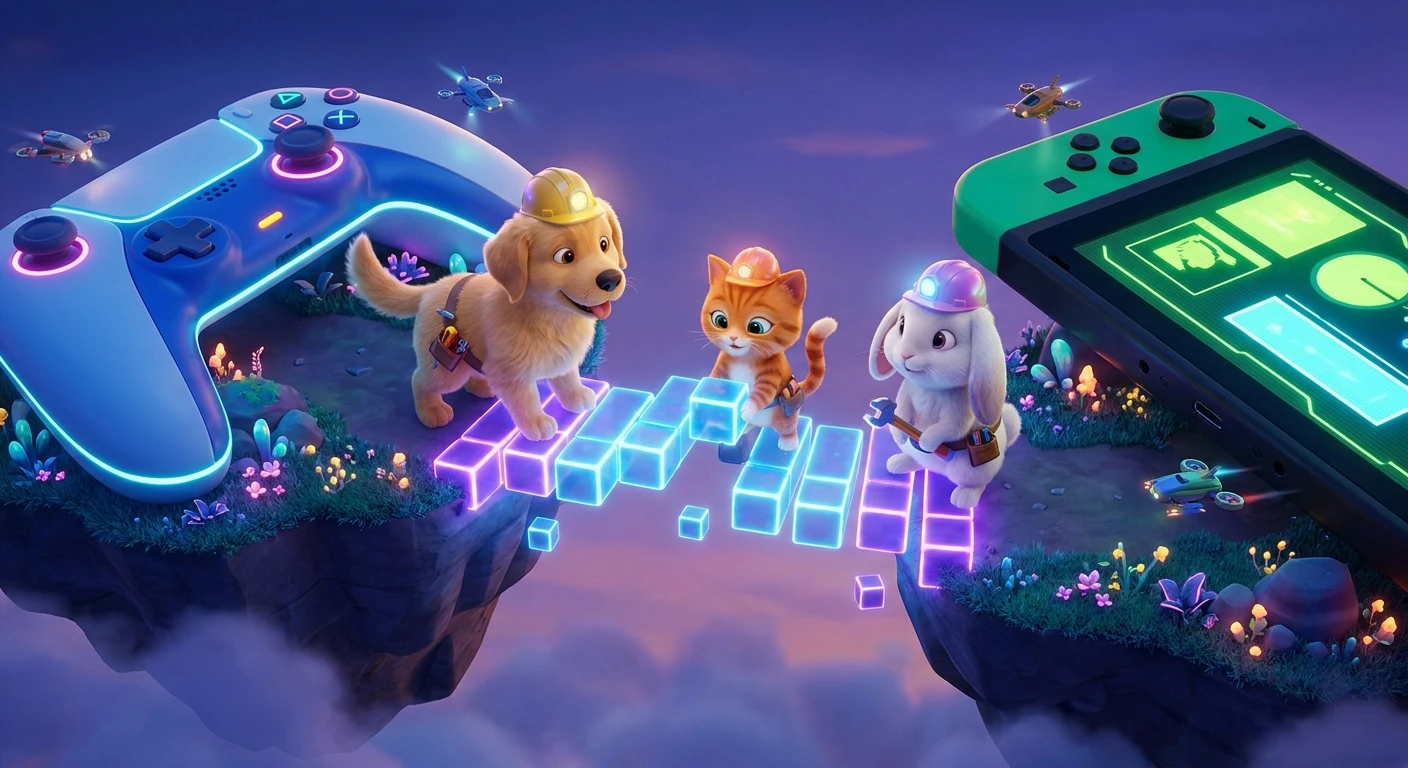
Organizing a digital game night frequently turns into a logistical puzzle of platform compatibility. When choosing a physics-based brawler, the immediate question that arises is party animals crossplay supported across different gaming ecosystems? The straightforward, factual answer is yes. Recreate Games built this title from the ground up to support seamless cross-platform connectivity between Xbox consoles and Windows PC. This unified approach means that whether your friends are sitting on a couch with an Xbox controller or at a desk with a keyboard and mouse, everyone can join the same custom lobbies, participate in the same quick matches, and experience the exact same ragdoll chaos. By removing the traditional barriers between console and PC ecosystems, the developers ensured a consistently active player base and significantly faster matchmaking times. Understanding how this system works technically, historically, and practically allows groups to set up their multiplayer sessions without friction. The integration relies on a centralized in-game ID system, bypassing the need for third-party accounts, which keeps the focus entirely on launching the game and throwing your friends off a virtual submarine.
Core Mechanics of Cross-Platform Connectivity
The crossplay infrastructure in this brawler operates through a unified server network that treats all hardware identically. The primary value proposition here is accessibility. Gamers no longer have to purchase multiple copies of the game or buy specific hardware just to participate in weekend gaming sessions. A unified player base directly improves matchmaking speed, ensures diverse lobbies, and sustains the game’s longevity. For example, a player on an older Xbox One can flawlessly team up with someone using a high-end gaming PC without any discernible segregation. Another example is the seamless transition between Xbox Series X and PC Game Pass, where players benefit from both crossplay and shared ecosystem integration. To visualize how this operates, refer to the compatibility breakdown below.
Read also: Stardew Valley Cross Platform Guide: Multiplayer Facts; Fixing the PlayStation Network Down Australia Alert Quickly.
| Hardware Platform | Crossplay Support Status | Primary Invite Method |
|---|---|---|
| Steam (PC) | Yes (Compatible with Xbox) | In-Game ID System |
| Xbox Series X/S | Yes (Compatible with PC) | Xbox Network & In-Game ID |
| Xbox One | Yes (Compatible with PC) | Xbox Network & In-Game ID |
To actually connect with friends across different devices, the process requires navigating the custom social menu rather than relying solely on native console friend lists. Follow these precise steps to establish a cross-platform lobby:
- Locate your unique alphanumeric In-Game ID located in the bottom corner of your player profile screen.
- Navigate to the social tab, select the ‘Add Friend’ option, and manually input your friend’s exact In-Game ID.
- Once the friend request is accepted, open the custom game menu, create a lobby, and use the in-game invite button to bring them into your session.
The Origins of Unified Brawlers
Origins of Local Co-Op Dominance
The physics-based party genre originally thrived exclusively in local environments. Early predecessors required all participants to share a single screen, a single console, and a physical couch. This design choice was partly due to hardware limitations and partly because calculating erratic physics interactions over early broadband connections resulted in massive desync issues. Developers prioritized local play because it guaranteed a zero-latency environment, ensuring that every grab, throw, and collision registered instantly for all players.
Evolution of Platform Barriers
As internet infrastructure improved, multiplayer gaming shifted online, but hardware manufacturers maintained strict ecosystem walls. A player on a Microsoft console could not interact with a player on a PC storefront. This fragmentation heavily damaged indie and mid-tier multiplayer games, as player bases were divided into small, isolated pools. Friends who wanted to play casual brawlers together were forced to standardize their hardware choices, creating an artificial barrier to entry that frustrated the gaming community for years.
Modern State of Unified Gaming
The release of this particular title marked a maturation point for the genre. By the time it launched, the industry had widely accepted cross-platform play as a standard feature rather than an exception. The developers leveraged modern cloud server architecture to ensure that the physics calculations—previously a nightmare for network engineers—remained synchronized regardless of whether the client was a heavy-duty PC or a standard console. This shift represents the modern standard for casual multiplayer titles, where the social experience takes precedence over platform exclusivity.
Technical Deep Dive into Physics Synchronization
Server Architecture and Latency Mitigation
Synchronizing a game where every character acts as a floppy, unpredictable physics object requires incredibly robust network engineering. Unlike traditional shooters that use simple hitboxes, this title relies on continuous state updates for multiple limbs and collision points. The game utilizes dedicated authoritative servers that act as the supreme referee for all physical interactions. When an Xbox player punches a PC player, the server calculates the trajectory, force, and impact point, then sends that resolved data back to both clients simultaneously. This client-server model prevents the host-advantage issues that plagued older peer-to-peer networking setups.
The Role of the Physics Engine
Running highly detailed ragdoll physics across varying hardware architectures demands precise optimization. The developers implemented specialized rollback netcode specifically tuned for physics interactions rather than just 2D fighting frames. The system operates on specific technical principles to maintain fairness:
- Fixed Tick Rates: The server updates the physics state at a constant, unyielding rate, ensuring parity between 60 FPS console output and 144+ FPS PC output.
- Input Buffering: Slight, imperceptible delays are added to local inputs to allow network packets from remote players to arrive, keeping collisions visually accurate.
- Deterministic Calculations: The physics engine is coded to ensure that the same inputs always produce the exact same physical outcome, regardless of the CPU processing the data.
- Client-Side Prediction: The game actively predicts where a character will be a few milliseconds in the future, masking minor latency spikes during heavy combat sequences.
Actionable Step-by-Step Matchmaking Guide
Step 1: Verifying Client Versions
Cross-platform connectivity requires absolute parity between game versions. Before attempting to connect, force a manual update check on both Steam and the Xbox dashboard. Version mismatches are the primary reason crossplay lobbies fail to initialize, as the server will actively reject clients running outdated physics protocols.
Step 2: Securing Your In-Game ID
Do not rely on your Steam username or Xbox Gamertag for cross-platform invites. Navigate to your profile avatar in the main menu and write down the unique numerical code assigned to your account by the game’s proprietary server infrastructure. This ID is the only consistent identifier across different hardware ecosystems.
Step 3: Establishing the Social Link
Open the internal friends menu and use the search function to input the remote player’s ID. The request must be sent and accepted while both players are actively online and connected to the main server hub. Attempting this while one player is in a match can occasionally delay the notification ping.
Step 4: Creating the Custom Lobby
The host should navigate to the custom games section and generate a locked lobby. Setting a passcode immediately prevents random matchmaking players from filling empty slots before your cross-platform friends have the opportunity to accept their invitations and load into the staging area.
Step 5: Managing Voice Communications
Because native console party chats do not inherently cross over to PC storefronts seamlessly without specific apps, utilize the game’s built-in VOIP system. Ensure that your microphone settings in the game’s audio menu are set to ‘Open Mic’ or bind a comfortable ‘Push to Talk’ key to maintain communication during chaotic rounds.
Step 6: Selecting Optimal Maps
When hosting players on varied network connections, start with structurally stable maps like the Ichiban fighting ring. Maps with intense dynamic physics, such as the breaking ice floes or the black hole laboratory, can stress connections if players are experiencing transient high ping.
Step 7: Troubleshooting Connection Timeouts
If an invited player fails to load, the host should completely dissolve the lobby and restart the game client. This flushes the session cache. Re-invite the players only after verifying that everyone’s network address translation (NAT) type is set to Open or Moderate to prevent strict routing blocks.
Debunking Common Network Myths
Myth: PC users have an inherent gameplay advantage because of keyboard and mouse precision.
Reality: Physics brawlers are fundamentally designed around analog stick movement. Keyboard controls are rigid and binary, meaning controller users on consoles actually possess a distinct advantage in movement fluidity and precise grab angles.
Myth: Enabling cross-platform functionality introduces severe lag into the lobby.
Reality: Latency is determined strictly by geographic distance to the dedicated server and individual ISP routing, not by the hardware platform of the participants. A PC and Xbox player in the same city will have pristine connection quality.
Myth: You are permanently forced to play against all platforms.
Reality: Players retain total autonomy over their matchmaking preferences. The options menu contains a specific toggle to restrict matchmaking exclusively to your native hardware ecosystem if desired.
Frequently Asked Questions & Conclusion
Is the game available on PlayStation consoles?
No. The title remains exclusive to the Xbox console ecosystem and PC storefronts. There is currently no PlayStation version available for cross-platform networking.
Can I turn off the cross-platform matchmaking?
Yes. You can disable this feature directly within the main gameplay settings menu, which will restrict your online interactions solely to users on your specific platform.
Does the game support cross-progression?
No. While you can play with friends on different hardware, your unlocked cosmetics, currency, and level progression remain permanently tied to the specific platform account where they were earned.
Do I need a premium subscription to play online on PC?
No. PC players on Steam do not require any paid multiplayer subscriptions. However, console users must maintain an active Xbox online multiplayer subscription to access the servers.
Can Windows Store users connect with Steam users?
Absolutely. Both PC storefronts route through the exact same backend servers, allowing seamless integration between Game Pass PC users and Steam purchasers.
Is split-screen functionality supported online?
Yes. You can have two local players on a single machine join an online cross-platform lobby, allowing mixed groups of local and remote friends to compete simultaneously.
Are the dedicated servers strictly region-locked?
No. The game allows players to manually select their server region from the main menu, though choosing a distant region will inevitably increase input latency.
How many total players fit in a custom session?
A standard custom lobby supports a maximum of eight active players, regardless of how those eight slots are divided among different hardware platforms.
What occurs if someone disconnects mid-round?
If a network timeout happens, the disconnected player’s character instantly drops as an inanimate physics object. They can rejoin the lobby via their in-game friends list during the next round transition.
Understanding the intricacies of cross-platform connectivity guarantees that your next digital gathering runs smoothly. The developers have successfully engineered a robust, platform-agnostic environment that prioritizes fun over hardware limitations. Gather your unique In-Game IDs, configure your voice settings, and start throwing your friends off perfectly synchronized virtual ledges today.




Leave a Reply