

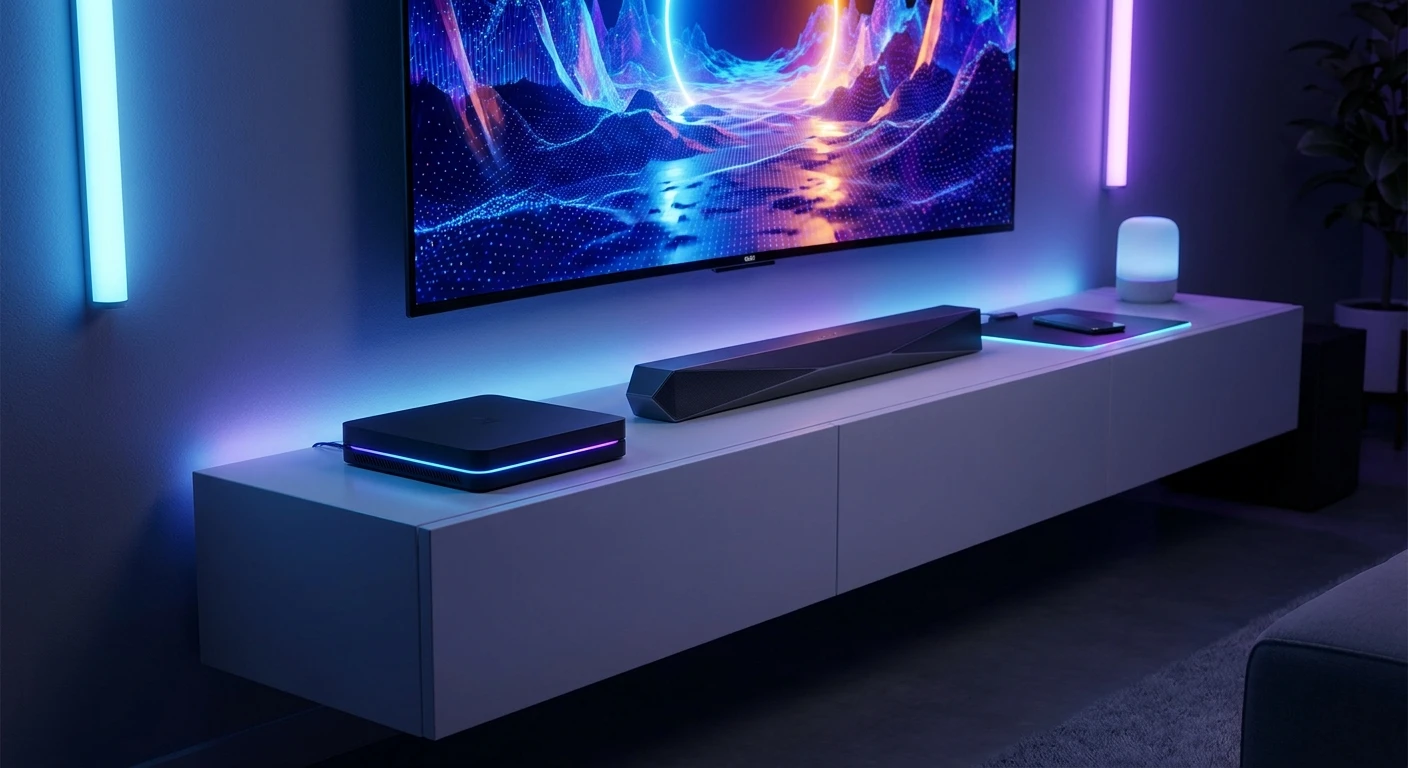
PlayStation TV: The Complete Hardware Overview
The PlayStation TV remains one of the most fascinating pieces of hardware in Sony’s vast gaming ecosystem. Originally conceived as a bridge between portable gaming and the traditional living room setup, this ultra-compact microconsole packs a surprisingly robust set of features into a footprint no larger than a deck of playing cards. By taking the internal architecture of a successful handheld and adapting it for home theater displays, developers created a unique hybrid device. Its primary appeal lies in its dual functionality: it serves as both a standalone legacy gaming console and a dedicated streaming client for primary home consoles. If you want to maximize the utility of your entertainment center without cluttering it with massive hardware, understanding the exact specifications and capabilities of this device is absolutely essential. Whether you are a dedicated retro hardware collector looking to preserve digital history or an active gamer needing a secondary screen solution for a busy household, the PlayStation TV offers utility that simply cannot be found in conventional set-top boxes.
Core Benefits, Utility, and Practical Applications
To truly understand the value proposition of the PlayStation TV, you have to examine how it uniquely bridges the gap between different generations of gaming hardware. The microconsole serves two distinct primary audiences. First, it caters directly to enthusiasts of classic Japanese role-playing games, indie titles, and visual novels by providing native hardware playback for a massive library of handheld cartridges on a large television display. For example, playing critically acclaimed titles like Persona 4 Golden or Killzone: Mercenary with a standard DualShock controller dramatically alters the ergonomic experience, providing precision that handheld controls sometimes lack. Second, it functions as a highly efficient local network extension for the PlayStation 4 ecosystem. By utilizing a wired local area network, a player can leave their primary console in the living room while seamlessly streaming high-fidelity gameplay to a bedroom or office monitor. This specific capability was far ahead of its time, anticipating the massive shift toward cloud and local game streaming that defines modern gaming.
Read also: Ultimate Asus ROG Ally 2 Guide; The Best 70 Inch Smart TV Models for Your Home.
| Hardware Feature | Original Design Purpose | Current Modern Utility |
|---|---|---|
| Physical Cartridge Slot | Retail handheld game support | Playing out-of-print physical media |
| Hardware Up-scaler | Converting handheld resolution to TV | Crisp display for retro digital titles |
| Remote Play Protocol | Second-screen PS4 access | Local network streaming solution |
| DualShock Compatibility | Standardizing control inputs | Enhanced ergonomics for portable titles |
The specific advantages of integrating this microconsole into your daily setup can be categorized into several highly functional benefits:
- Seamless Local Streaming: The device utilizes a dedicated network handshake protocol to mirror your primary console, effectively allowing high-end gaming in secondary rooms without purchasing duplicate hardware.
- Native Hardware Execution: Unlike software emulators, the internal silicon runs legacy handheld and classic 32-bit digital titles natively, ensuring perfect frame pacing and zero emulation-induced input latency.
- Ultra-Compact Form Factor: Measuring roughly 6.5 by 10.5 centimeters, the unit can be completely hidden behind a monitor or television, creating an exceptionally clean aesthetic for minimalist setups.
- Unified Ecosystem Integration: It synchronizes effortlessly with existing standard controllers, meaning there is zero learning curve or need to purchase specialized, proprietary input devices.
Origins in the Japanese Market
The system initially launched in Japan in late 2013 under the name PlayStation Vita TV. Sony’s corporate strategy at the time recognized a unique quirk in the Japanese gaming market: handheld consoles were dominating sales, while traditional home console adoption was slowing down. Engineers conceptualized a device that could leverage the existing, highly praised handheld architecture but output it via HDMI. This allowed the massive user base of portable gamers to enjoy their library on domestic displays without having to repurchase games. The launch was accompanied by a distinctive white color scheme, positioning the unit as a sleek, modern lifestyle accessory designed to sit unobtrusively next to traditional television sets.
Western Evolution and Rebranding
By the time the hardware reached North American and European markets in late 2014, the marketing strategy underwent a significant pivot. Rebranded strictly as the PlayStation TV, the physical casing was shifted to a matte black finish to align aesthetically with the newly released PlayStation 4. Rather than pushing it purely as a standalone device for handheld games, Western marketing heavily emphasized its Remote Play capabilities. It was pitched to consumers as the ultimate companion device for families—a way to continue playing high-budget, intensive home console titles when the main living room television was occupied by other household members. This pivot demonstrated a clear shift in how regional markets valued different types of gaming access.
Modern State and Collector’s Value
Today, the hardware has officially ceased production, transforming it into a highly sought-after artifact within the hardware preservation community. Because it represents a closed ecosystem of specific hardware architecture that Sony has not replicated since, pristine units command significant attention from collectors. The enthusiast community has heavily researched the device’s firmware, finding unique ways to utilize the hardware for specialized homebrew applications, media management, and enhanced digital preservation. Its unique position as the only official microconsole produced by the manufacturer ensures its lasting historical significance in the timeline of digital entertainment.
Internal Architecture and Silicon Specifications
Beneath the minimalist exterior, the PlayStation TV houses a surprisingly complex array of customized mobile processing technology. The central processing unit is a custom ARM Cortex-A9 MPCore processor featuring four physical cores, which works in tandem with a specialized SGX543MP4+ graphics processing unit. This silicon configuration was initially designed to push high-end graphics to a small OLED screen, but in this microconsole iteration, the output pipeline is completely redirected through an internal hardware scaler. This scaler captures the native sub-HD resolution of the original software and systematically upscales it via algorithmic interpolation to output a clean 720p or 1080i signal via the HDMI port. This hardware-level scaling bypasses the latency issues commonly associated with software-based television upscaling.
Networking Protocol and Streaming Capabilities
Because local network streaming is a foundational feature of the device, the networking architecture is built for sustained, high-bandwidth data transfers rather than simple burst downloads. To maintain strict visual fidelity and sub-frame input latency during remote sessions, the device heavily relies on its physical network interface.
- Wired Ethernet Interface: Features a built-in 10/100BASE-T port, which is strictly recommended over wireless connections to guarantee packet delivery during intensive real-time rendering.
- Wireless Connectivity: Includes an internal IEEE 802.11b/g/n module for environments where physical cable routing is structurally impossible.
- Bluetooth Protocol: Utilizes Bluetooth 2.1+EDR to maintain continuous, low-latency polling rates with connected DualShock 3 and DualShock 4 wireless controllers.
- Proprietary Storage Bus: Relies on a highly customized, DRM-protected flash memory card slot designed specifically for read/write speeds that match optical media timing requirements.
- Internal Memory Allocation: Contains exactly 1GB of onboard solid-state storage, primarily reserved for vital system firmware updates and minimal save data storage.
Step 1: Initial Hardware Unboxing and Power Requirements
Begin your setup by isolating the microconsole and its proprietary AC adapter. The unit requires a specific voltage input, so you must strictly use the official power supply included in the original packaging. Place the console on a flat, well-ventilated surface, ensuring nothing obstructs the rear ports. Connect the barrel jack of the AC adapter into the console before plugging the brick into your wall outlet or surge protector.
Step 2: Connecting to Your Primary Display via HDMI
Utilize a high-speed HDMI cable to connect the microconsole to your television or computer monitor. Since the maximum supported output resolution is 1080i, any standard HDMI 1.4 cable is fully sufficient. Ensure your television’s display settings are configured to ‘Game Mode’ if available; this drastically reduces post-processing latency generated by modern smart televisions, which is crucial for rhythm games and remote streaming.
Step 3: Synchronizing the DualShock Controller
The console requires a controller to navigate the initial setup menus. Connect a DualShock 3 or DualShock 4 controller directly to the microconsole using a standardized USB data cable (Mini-USB for DS3, Micro-USB for DS4). Press the central home button on the controller to initiate the Bluetooth pairing sequence. Once the hardware recognizes the peripheral, you can disconnect the physical cable and proceed wirelessly.
Step 4: Establishing a Stable Wired Ethernet Connection
For optimal performance, completely bypass the internal Wi-Fi antenna. Run a Cat5e or Cat6 ethernet cable directly from your primary internet router or network switch into the rear LAN port of the microconsole. A hardwired connection practically eliminates packet loss and signal interference, ensuring that remote streaming sessions maintain visual clarity and instantaneous button response times.
Step 5: Updating the System Firmware
Navigate to the system settings icon on the home screen and select the system update option. The hardware will ping official servers to locate the latest authorized firmware patch. Allow the device to download and install this software completely. Do not interrupt the power supply during this process, as cutting power during a core system rewrite can permanently brick the internal flash memory.
Step 6: Configuring PlayStation 4 Remote Play Settings
To tether the microconsole to your primary hardware, launch the dedicated Remote Play application on the microconsole. Simultaneously, access your primary console’s network settings and generate a secure, eight-digit pairing code. Input this numerical code into the microconsole using the virtual keyboard. The devices will authenticate each other over your local network, establishing a permanent, encrypted streaming bridge.
Step 7: Managing Storage and Installing Legacy Games
Insert your proprietary memory card into the side slot of the powered-down unit. Upon booting, the system will rebuild its database to integrate the newly available storage space. You can now physically insert legacy game cartridges into the top-loading slot, or navigate to the digital storefront to initiate downloads of classic digital titles directly to the newly expanded memory sector.
Myth: It plays every single handheld game ever released.
Reality: The hardware contains an internal system blacklist. Games that heavily rely on specialized physical hardware—such as built-in gyroscopes, rear touchpads, or dedicated internal cameras—are intentionally blocked from booting because those inputs cannot be easily replicated on a standard television controller.
Myth: It functions as a completely standalone PlayStation 4.
Reality: The device possesses zero internal architecture capable of rendering modern, high-fidelity console graphics locally. It acts purely as a networked receiver and video decoder when interacting with modern titles, functioning essentially as a localized cloud terminal.
Myth: The console outputs in native 4K resolution.
Reality: The absolute maximum output ceiling is 1080i, and many software titles are natively rendered at sub-720p resolutions before being stretched by the internal hardware scaler. It cannot interface with modern 4K display protocols in any native capacity.
Myth: Media streaming apps are still fully supported.
Reality: Over the lifecycle of the device, major streaming providers have systematically deprecated their applications. While it was once heavily marketed as a Netflix and Hulu set-top box, those specific servers no longer authorize connections from this legacy firmware.
Does it come with internal storage?
Yes, the hardware includes exactly 1GB of internal flash memory, which is primarily sufficient for saving system configurations, firmware patches, and a handful of small application save files.
Can I use standard SD cards for memory expansion?
No, the system strictly utilizes a proprietary memory card format specifically engineered by the manufacturer to combat software piracy and maintain read/write speed consistency.
Does it support Wi-Fi out of the box?
Yes, it features an internal 2.4GHz wireless antenna, though a physical wired connection is universally recommended for any intensive local network streaming applications.
Can I play physical game cartridges?
Yes, the top of the unit features a dedicated, spring-loaded slot that accepts standard retail physical media designed for the associated handheld generation.
Is cloud game streaming still supported on it?
No, the manufacturer officially discontinued support for their proprietary cloud streaming subscription services on this specific hardware tier several years ago.
Can I use a modern DualSense controller?
Not natively. The internal Bluetooth protocol and driver set officially support only the DualShock 3 and DualShock 4. Third-party USB adapters are required for modern controller interfacing.
Does it support local network multiplayer?
Yes, it features full ad-hoc networking capabilities, allowing it to connect seamlessly with physical handheld units in the same room for localized multiplayer sessions.
Understanding the architecture, limitations, and unique capabilities of the PlayStation TV unlocks a tremendous amount of utility for serious hardware enthusiasts. By following strict wired networking protocols and managing your expectations regarding visual output ceilings, this microconsole transforms into an unparalleled tool for digital preservation and convenient remote access. Evaluate your current entertainment setup, hook up this compact powerhouse, and start exploring a massive library of classic titles right on your big screen today.



Leave a Reply