

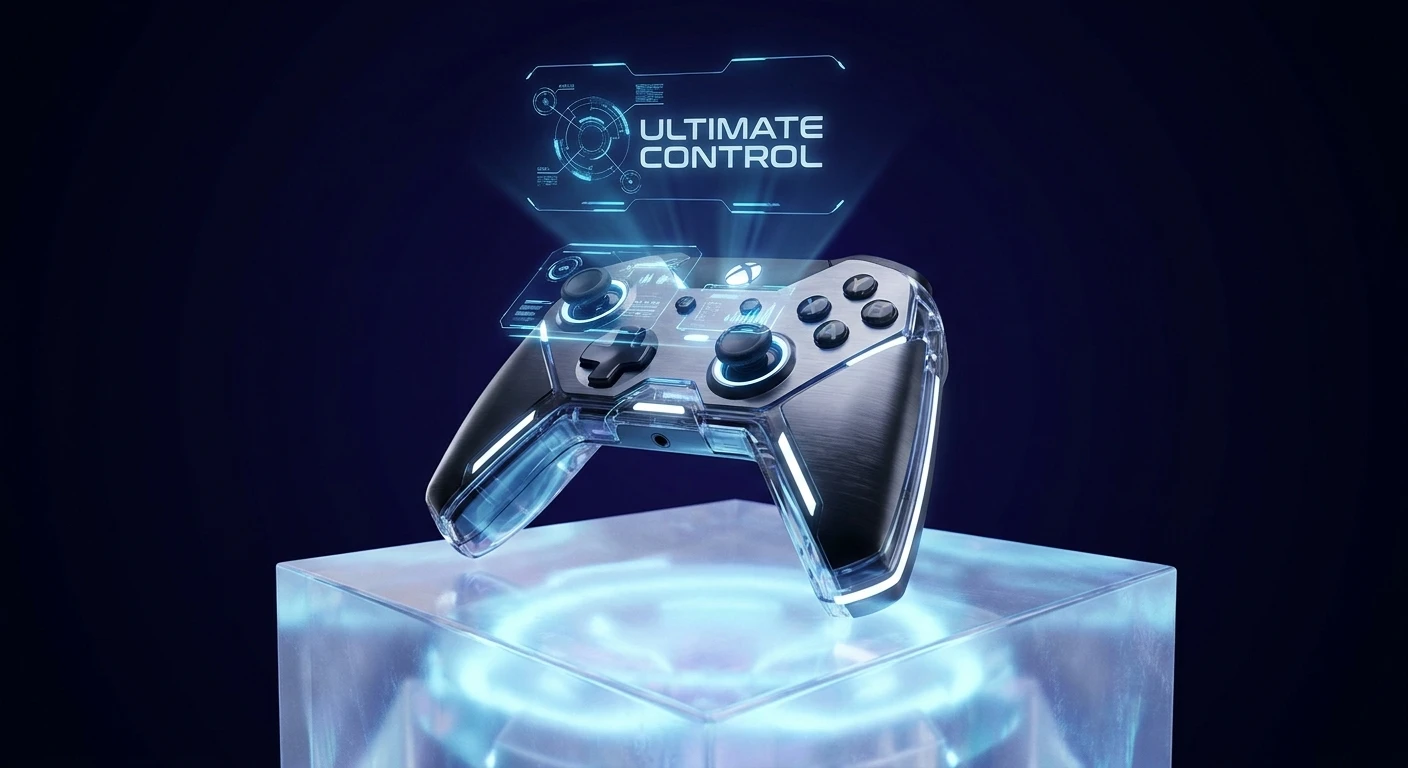
The Ultimate Guide to the PS5 Elite Controller
Stepping into a competitive multiplayer lobby requires more than just fast reflexes; it demands hardware that can keep up with your brain. That is exactly where the PS5 Elite Controller steps in to change the game entirely. If you have ever felt like your standard gamepad was holding back your reaction time, upgrading to a premium device is the most logical next step. This is not just about flashing lights or a heavier piece of plastic; it is about fundamentally altering the way you interact with the digital world. By introducing customizable inputs, adjustable tension, and modular components, this tier of hardware eliminates the physical bottlenecks between your intentions and your on-screen actions. The thesis here is simple: understanding the deep technical customization of these premium gamepads will instantly elevate your competitive edge and extend the lifespan of your gaming setup. We are going to break down every single aspect of this technology, from its historical roots in the esports scene to the highly advanced science operating beneath the faceplates. You will walk away with a complete, actionable roadmap for configuring your device perfectly.
Core Advantages of Premium Gaming Peripherals
When you invest in top-tier hardware, you are paying for modularity and speed. The primary advantage comes from the rear input system. Having back paddles means your thumbs never have to leave the analog sticks to press face buttons. In a fast-paced shooter, being able to jump, slide, or reload while maintaining perfect aim on your target is the definition of a competitive advantage. Furthermore, adjustable trigger stops physically reduce the distance you have to pull the triggers, meaning your weapon fires fractions of a second faster than an opponent using a standard pad. Finally, the inclusion of swappable stick modules means that when the inevitable stick drift occurs, you do not have to throw away an expensive device; you simply swap out the module for a fraction of the cost.
Read also: The Ultimate astro a50 x Review: Premium Audio; The Ultimate god of war controller Guide.
To truly understand the value, look at how different genres benefit from these features. A fighting game enthusiast might prioritize an interchangeable D-pad and specific actuation points, while a racing fan might want the longest, smoothest trigger pull possible for precise throttle control. You can see official customizable features that allow for exactly this type of flexibility.
| Feature | Competitive Advantage | Ideal Game Genre |
|---|---|---|
| Back Paddles / Buttons | Keeps thumbs on analog sticks during complex maneuvers | First-Person Shooters / Battle Royale |
| Adjustable Trigger Stops | Decreases actuation time for faster firing rates | Action / Competitive Multiplayer |
| Swappable Thumbstick Modules | Cures stick drift and extends overall controller lifespan | All Gaming Genres |
Here are the definitive benefits you get when making the upgrade:
- Hardware Longevity: The modular design prevents the entire controller from becoming e-waste just because one sensor degrades over time.
- Ergonomic Customization: Various thumbstick dome heights allow players with different hand sizes to find a comfortable, fatigue-free grip.
- On-Board Software Profiles: The ability to save multiple mapping configurations directly to the hardware ensures you can switch from a shooter layout to an RPG layout seamlessly.
- Premium Build Quality: Enhanced grips and weighted components provide a tactile feel that prevents slipping during intense sessions.
Before buying, it is always smart to research comparing current market prices to ensure you find the best deal on these advanced devices.
The Origins of Pro Gaming Hardware
The journey to the modern premium gamepad did not happen overnight. In the early days of console gaming, third-party companies dominated the custom hardware space. Gamers often relied on aftermarket controllers that offered rudimentary turbo buttons or slightly different shell shapes, but these were rarely considered professional grade. The true shift began during the seventh generation of consoles, where competitive titles like Call of Duty and Halo created a massive demand for faster input methods.
Evolution Toward First-Party Solutions
As esports grew into a multimillion-dollar industry, independent engineering companies began physically modifying standard controllers. They drilled holes into the plastic shells, soldering tactical switches to the motherboards to create the first back buttons. This grassroots engineering forced console manufacturers to pay attention. Microsoft was the first major player to release a fully official, customizable premium gamepad. Sony initially held back, offering a simple back-button attachment for the PS4 era rather than a full premium device. However, the demand for a dedicated, official high-end device was too massive to ignore.
The Modern State of Premium Gamepads
Today, the market is highly competitive and incredibly advanced. We have reached a point where the official hardware integrates deeply with the console operating system. You no longer need a PC software suite to remap your buttons; everything is handled seamlessly through the system UI. Alongside the official offerings, there are massive ecosystems of high-end custom alternatives that provide different ergonomic shapes and switch types. The modern pro controller is a piece of bespoke machinery designed to adapt strictly to the user.
Scientific and Technical Deep Dive
Understanding what makes these controllers elite requires looking beneath the plastic shell. The technology packed into these devices is a marvel of modern consumer electronics.
Haptic Feedback and Adaptive Mechanisms
Unlike traditional controllers that use simple off-center weights spinning on motors to create rumble, premium PS5 controllers utilize advanced voice coil actuators. These are essentially the same components found in high-end audio speakers, allowing for highly precise, localized vibrations that can simulate the feeling of raindrops or the resistance of a drawn bowstring. The adaptive triggers use a tiny internal motor and a gear train to dynamically adjust the tension of the L2 and R2 buttons in real-time, requiring more physical force to actuate depending on the in-game action.
Potentiometers vs. Hall Effect Sensors
The biggest technical discussion in the controller space revolves around analog stick sensors. Standard modules use ALPS potentiometers, which measure position by running a metallic wiper along a carbon track. Friction eventually wears this track down, resulting in the dreaded stick drift. Some modern elite options and aftermarket modules are moving toward Hall Effect sensors, which use magnets to measure electrical voltage changes without any physical contact, theoretically eliminating wear and tear completely.
- The internal wireless polling rate typically operates around 250Hz, ensuring incredibly low input latency.
- Actuation force for the adaptive triggers can be restricted dynamically by the software or physically via hardware sliders.
- Battery capacity is often limited to around 1050mAh to make physical space for the swappable analog stick housings.
- The physical back switches usually rely on mechanical microswitches rather than rubber membrane domes for a faster, clickier response.
- When browsing premium hardware listings, verifying the type of stick sensors included is crucial for long-term reliability.
A 7-Step Plan for Mastering Your Controller
Owning the hardware is useless if you do not calibrate it properly. Follow this seven-day integration plan to completely master your new setup.
Step 1: Unboxing and Firmware Updates
The very first thing you must do is connect the controller directly to your console via the provided USB-C braided cable. The system will prompt a firmware update. Do not skip this. These updates refine the Bluetooth connectivity and ensure the custom mapping software functions perfectly.
Step 2: Mapping the Back Inputs
Head into the console accessories menu and assign your most frequently used face buttons to the back paddles. For almost every player, mapping the left paddle to jump and the right paddle to crouch or slide yields the highest immediate benefit.
Step 3: Setting the Trigger Deadzones
If you are playing a competitive shooter, flip the physical switches on the back of the controller to the shortest trigger stop setting. Then, go into the software and set the trigger input deadzone to zero, ensuring the game registers a shot the microsecond you touch the plastic.
Step 4: Adjusting Stick Sensitivity Curves
Standard analog sticks have a linear response. You want to change your right stick to a precise or dynamic curve in the system menu. This allows for small, slow movements when aiming down sights, but rapid acceleration when you push the stick to the outer edge to turn around quickly.
Step 5: Physical Ergonomic Swaps
Experiment with the included thumbstick caps. Place a tall, convex dome on the right stick for greater geometric precision when aiming, and keep a standard or short concave dome on the left stick for rapid movement changes.
Step 6: Creating Multiple Hardware Profiles
Do not rely on a single layout. Create one profile dedicated strictly to shooters, another for racing games where the trigger stops are disabled, and a third for action RPGs where dodging and healing are mapped to the rear paddles. Save these directly to the device.
Step 7: Forcing Muscle Memory Adaptation
This is the hardest step. For an entire week, mentally force yourself to stop taking your right thumb off the analog stick to press the face buttons. You will play worse for the first few days. Push through the frustration until using the back paddles becomes completely subconscious.
Myths and Reality of Pro Gamepads
Myth: Buying an elite device will instantly make you a professional-level player.
Reality: Hardware raises your mechanical ceiling, but it cannot fix terrible game sense, poor positioning, or bad decision-making. It is a tool, not a magic wand.
Myth: These premium controllers are entirely immune to stick drift.
Reality: Unless they explicitly feature Hall Effect sensors, they still use the same ALPS potentiometers as standard controllers and will eventually drift. The benefit is simply that you can replace the module cheaply instead of buying a whole new pad.
Myth: The battery life is significantly better because it costs more.
Reality: The battery life is actually often shorter. The extra internal hardware, memory chips, and modular housing take up physical space, leading manufacturers to use slightly smaller battery cells.
Frequently Asked Questions
Does the controller come with a protective carrying case?
Yes, almost all premium, high-end controllers include a hard-shell protective case that also houses the braided cable, extra stick modules, and various thumbstick domes.
Can I use this premium hardware on a PC?
Absolutely. It is fully supported via USB-C connection, and platforms like Steam have native support for most of the advanced features and button remapping.
How much does a replacement stick module typically cost?
Official replacement modules usually retail for around twenty US dollars, making it a highly cost-effective solution when stick drift eventually sets in.
Is the premium controller heavier than the standard version?
Yes, due to the added internal mechanisms, the modular housings, and the metallic back paddles, it carries a slightly heftier, more premium weight.
Can I map multiple button inputs to a single back paddle?
No, official competitive rules strictly forbid macro inputs. You can only map one single face button or action to one back paddle at a time.
Does the device support standard wireless charging docks?
While the physical footprint is slightly different, it usually supports official charging docks, often featuring a cutout in the carrying case so you can charge it while packed away.
Are the interchangeable back paddles made of metal or plastic?
The premium options almost exclusively use high-quality metal alloys for the back paddles to prevent snapping under pressure during intense gaming moments.
Conclusion
Mastering the PS5 Elite Controller is a journey of fine-tuning and personal adaptation. By leveraging the modular components, setting precise software curves, and retraining your muscle memory, you unlock a level of gameplay fluidity that standard hardware simply cannot provide. Do not just let your premium device sit at its default settings. Take the time to calibrate your profiles today, jump into your favorite competitive game, and experience the sheer dominance of zero-latency, paddle-enhanced precision. Elevate your setup and dominate your lobbies!





Leave a Reply