

Why the astro a50x is Breaking the Internet Right Now
Look, if you are reading this, you are probably wondering if the astro a50x is actually worth the heavy price tag or if it is just another shiny toy pushed by your favorite streamers. Let’s get straight to the point: the astro a50x is a completely different beast. I’ve been testing audio gear for years, swapping out headsets faster than I change my keyboard switches, but something about this specific release caught my attention immediately.
Back in Kyiv, I have a pretty intense gaming setup. When you are trying to relax after a long day of remote work, seamlessly jumping from a PC strategy game to a PlayStation exclusive shouldn’t require a degree in cable management. I remember sitting in my apartment, staring at a tangled mess of optical cables and USB splitters, thinking there had to be a better way. That’s exactly the headache this headset claims to cure.
Here we are in 2026, and our expectations for wireless audio have never been higher. We want zero latency, studio-quality microphones, and the ability to connect to literally every box under our TV without getting off the couch. I decided to put this headset through a grueling test to see if it actually delivers on these massive promises, or if it is just clever marketing wrapped in a premium matte finish.
The Core Experience: What Actually Makes It Special
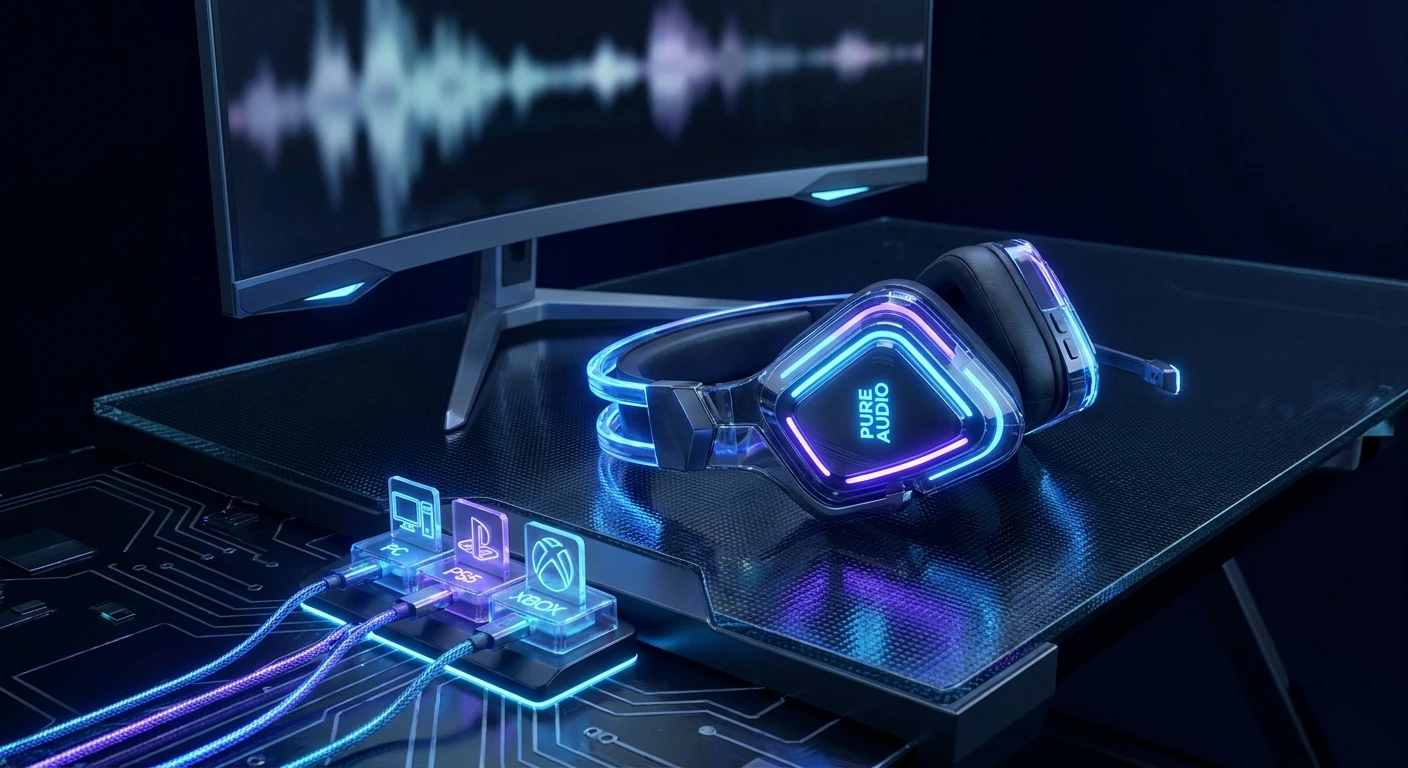
Let me break down exactly what happens when you set this thing up. The real magic isn’t just in the headset itself; it is the base station. The base station acts as a central hub, a literal command center for all your gaming consoles and your PC. You run your HDMI 2.1 cables from your PS5 and Xbox Series X directly into the base, and then one cable out to your monitor or TV. With a single button press on the headset, it switches the video on your screen and the audio in your ears simultaneously. It feels like absolute wizardry.
The value proposition here is massive for multi-platform gamers. Example one: You are playing a PC game and your friends invite you to a party chat on Xbox. Instead of unplugging dongles or messing with software, you tap a button. Example two: You want purely wireless audio with simultaneous Bluetooth mixing, meaning you can listen to a podcast from your phone while grinding out levels on your PlayStation. It handles both effortlessly.
Check out how the main features translate to actual daily benefits:
| Feature | Technical Benefit | Real-World Example |
|---|---|---|
| PLAYSYNC Technology | Simultaneous HDMI 2.1 video/audio routing | Switching from PS5 Spider-Man to Xbox Halo instantly with one button. |
| Simultaneous Bluetooth | Dual audio stream mixing | Taking a phone call from a friend without muting your game audio. |
| Magnetic Base Station | Frictionless charging and docking | Never waking up to a dead headset because you forgot to plug in a wire. |
If you want to get the absolute most out of the audio profile immediately, follow these exact steps:
- Download the Logitech G Mobile App: Do not rely solely on the PC software. The mobile app lets you tweak the 10-band equalizer on the fly while sitting on the couch playing a console game.
- Adjust the Sidetone: Out of the box, you might not hear your own voice clearly. Bump the sidetone up to at least 60% so you don’t end up yelling at your teammates.
- Set Up Custom Profiles: Create one EQ profile for competitive shooters (boosting the highs for footsteps) and another for single-player RPGs (boosting the bass for cinematic explosions).
The Origins of the Astro Lineage
To understand why this model is such a big deal, we have to look back. Astro didn’t just pop up overnight. In the late 2000s, they basically invented the premium console audio category. If you went to any major e-sports tournament, every single pro was wearing an A40 with a MixAmp. It was a status symbol. It told everyone else in the lobby that you took your audio seriously.
The Evolution of Wireless Gaming Audio
When they introduced the first A50, it was a massive shift. Cutting the cord without losing audio fidelity was a huge challenge. Early wireless headsets suffered from terrible battery life, annoying static interference, and bulky designs. Over the generations, Astro refined the base station concept. They moved from optical cables—which consoles eventually ditched entirely—to USB audio, but USB audio often lacked the bandwidth for uncompressed surround sound on consoles.
The Modern State of Premium Headsets
Now that Logitech G fully integrates Astro into its ecosystem, they have massive R&D resources. The current landscape of gaming audio is incredibly competitive. You have brands pushing planar magnetic drivers and active noise cancellation. Instead of just competing on raw sound, the focus shifted to the ecosystem. The goal became making a headset that functions as the brain of your entire entertainment system, perfectly bridging the gap between high-end PC gaming and living room console setups.
The Science Behind the Sound
Graphene Audio Drivers Explained Simply
Let’s talk about what is actually vibrating inside the earcups. They replaced standard mylar plastic drivers with PRO-G Graphene drivers. Graphene is a highly rigid, incredibly lightweight material. Why does that matter to you? Because it prevents the driver cone from warping at high volumes. When plastic drivers flex, you get distortion—muffled sounds or a crackling bass. Graphene stays perfectly stiff, meaning the sound wave hits your ear exactly as the game developers intended. The transient response—how fast the driver reacts to a sudden sound like a gunshot—is lightning fast.
The Magic Behind PLAYSYNC HDMI Switching
Audio extractors are notorious for degrading video quality. That was my biggest fear here. But the base station uses full HDMI 2.1 passthrough at 40 Gbps. It does not compress your video. It takes the uncompressed 24-bit audio signal directly from the HDMI stream before passing the pure 4K 120Hz video signal to your monitor. You are getting raw, lossless audio that USB connections on consoles simply cannot provide due to bandwidth limits.
- Wireless Frequency: 2.4 GHz Lightspeed technology for ultra-low latency.
- Driver Size: 40mm Graphene diaphragms.
- Microphone Polling: 48 kHz high-resolution boom mic, dramatically outperforming standard 16 kHz wireless mics.
- Bandwidth: 40 Gbps HDMI 2.1 passthrough supporting Auto Low Latency Mode (ALLM) and Variable Refresh Rate (VRR).
- Battery Life: Up to 24 hours of continuous playback on a single charge.
Your 7-Day Mastery Plan
Dropping this kind of money on a headset means you need to squeeze every ounce of value out of it. Don’t just plug it in and forget it. Here is your roadmap to mastering the hardware over your first week.
Day 1: The Unboxing and Initial Base Station Setup
Clear out your desk or TV stand. You will need three high-quality HDMI 2.1 cables (it comes with none for the consoles, so buy them in advance). Route your PlayStation and Xbox into the designated ports, run the output to your screen, and plug the base into the wall. Dock the headset to let it fully charge and sync.
Day 2: Dialing in the Perfect EQ Settings
Spend this day entirely in the G Hub software. Find community-made EQ presets on Reddit for your specific favorite games. What works for Call of Duty will sound completely flat and boring in Cyberpunk. Save at least three custom presets directly to the headset’s onboard memory.
Day 3: Testing the PLAYSYNC Console Switching
Fire up both your consoles and your PC. Play a game on Xbox, press the headset button, and watch your monitor seamlessly switch inputs to the PS5. Make sure your monitor settings aren’t resetting your refresh rate. This is the day you appreciate the cable management nightmare you just eliminated.
Day 4: Mastering the Command Center Software
Connect the mobile app via Bluetooth. Walk around your house. See how far the 2.4 GHz range goes before it cuts out (usually around 40 feet depending on your walls). Practice adjusting your game-to-voice chat balance using the physical buttons on the right earcup without looking at them.
Day 5: The Marathon Comfort Test
Wear them for an 8-hour stretch. The velour ear pads are notoriously breathable, but everyone’s head shape is different. Check for clamping force pressure around your jaw or the crown of your head. Because the headset weighs over 360 grams, finding the exact right click on the adjustment rails is crucial.
Day 6: Microphone Tweaks and Discord Voice Isolation
Hop into a Discord call with a friend who will give you brutally honest feedback. Use the broadcast-quality mic settings. Turn on background noise reduction if you have a mechanical keyboard, but keep it low enough so it doesn’t compress your voice into a robotic mess.
Day 7: Exploring High-Res Audio on PC
Finally, pull up some lossless audio tracks or a deeply immersive atmospheric game. Let the 24-bit audio stretch its legs. This is where the graphene drivers truly shine, separating the deep, rumbling lows from the crisp, sparkling highs without muddying the midrange.
Myths & Reality
Myth: It is literally just the Gen 4 headset with a new base station.
Reality: Absolutely false. The physical design looks very similar, but the internal architecture is completely different. The shift to graphene drivers and the inclusion of Logitech’s Lightspeed wireless protocol makes it an entirely new acoustic experience.
Myth: You don’t need HDMI 2.1 for good audio.
Reality: While optical cables were great, modern consoles limit uncompressed high-bitrate audio over USB. Pulling the audio directly from the HDMI 2.1 stream is the only way to get true, uncompressed spatial audio on an Xbox or PS5.
Myth: The microphone is exactly the same as older models.
Reality: The new mic operates at a much higher sampling rate. It sounds significantly fuller and captures much more of the lower register of your voice, making you sound like you are on a dedicated streaming mic.
Frequently Asked Questions
Does it work with the Nintendo Switch?
Yes, you can route the Switch’s dock through one of the HDMI ports on the base station, or simply connect to the Switch directly via Bluetooth for handheld play.
Can I replace the ear cushions?
Yes, the ear cushions are magnetic. You can easily pop them off and replace them with aftermarket leatherette pads if you prefer better passive noise isolation.
Is the microphone detachable?
No, the boom microphone is permanently attached. However, it features a flip-to-mute function that is incredibly satisfying and reliable.
Can I use it away from the base station?
You can use the Bluetooth connection to listen to music or take calls on your phone while away from the base, but the primary 2.4 GHz low-latency connection requires proximity to the base station.
Will it support 8K video passthrough?
No, the HDMI 2.1 passthrough is optimized for 4K at 120Hz or 1440p at higher refresh rates. It does not support 8K.
Does it have active noise cancellation (ANC)?
No. It relies entirely on passive noise isolation from the earcups. If you game in a very noisy environment, keep this in mind.
Is the headset heavy?
It has some heft to it at 363 grams, but the weight distribution across the headband makes it feel much lighter than it actually is during long sessions.
Wrap Up
In the rapidly evolving tech landscape of 2026, finding gear that actually simplifies your life while upgrading your experience is rare. The audio clarity, the seamless multi-system switching, and the all-day comfort make it a massive win. If you have a multi-platform setup and you are tired of wrestling with cables and input menus, this is the solution you’ve been waiting for. Leave a comment below and let me know what headset you are currently rocking, and if you are ready to make the upgrade!





Leave a Reply