

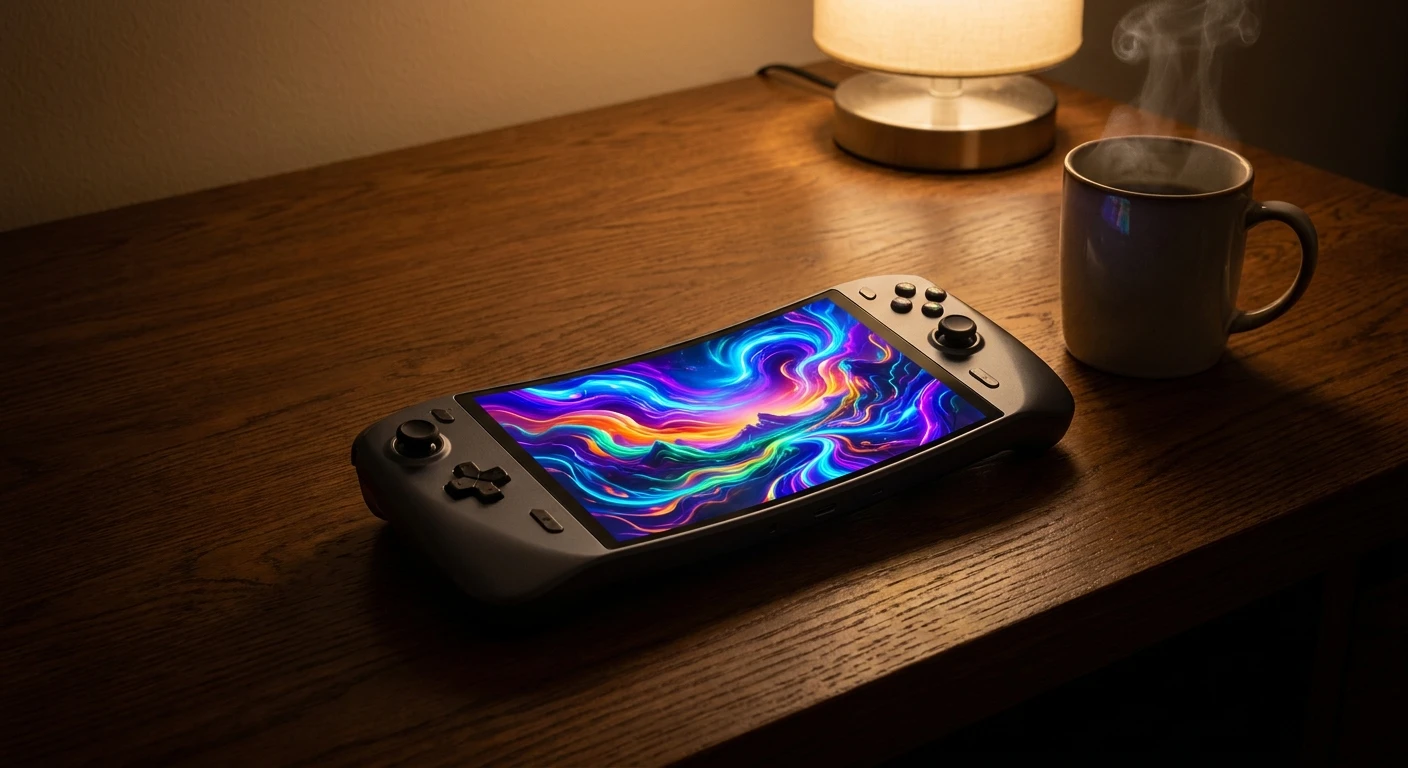
Why the switch oled is Still the King of Handhelds
Grabbing a switch oled for the first time completely changes how you experience portable gaming. I mean it. If you’re still on the fence about whether upgrading your old base console is worth the cash, I totally get where you’re coming from. We all hesitate when the old tech still functions fine. But let me give you the honest truth right now—once you see those incredibly deep blacks and massively popping colors, going back to a standard screen feels completely impossible. You literally cannot unsee the massive difference in visual quality.
I was super skeptical too. I stubbornly held onto my launch-day unit for years, even when the internal fan started sounding like a tiny jet engine taking off in my living room. But the absolute turning point for me happened last winter in Kyiv. We were going through intensive rolling blackouts, and sitting in my cold apartment with zero electricity for hours could have been miserably boring. Instead, that vibrant seven-inch display glowing brilliantly in the pitch dark became my personal sanctuary. I remember firing up bright, colorful adventures while bundled in thick blankets, and the battery easily outlasted the darkness. It felt purely magical. The contrast, the brightness, and the absolute clarity of the screen turned a depressing evening into a genuinely cozy gaming session. Trust me, I wouldn’t hype this device up so much if it didn’t fundamentally alter my daily routine. The jump in screen quality isn’t just some minor technical bump; it completely redefines portable entertainment as we know it.
The Real Benefits You Need to Know
Look, let’s break down exactly what you are getting when you make the jump. It is not just about the screen, although that is the main selling point. Nintendo quietly fixed a bunch of small, annoying issues that plagued the original model. When you add all these tiny tweaks together, you get a massively superior daily driver.
Here is a quick look at how the new hardware stacks up against the classic model:
| Feature | Standard Model | OLED Model |
|---|---|---|
| Screen Size & Type | 6.2-inch LCD | 7.0-inch OLED |
| Internal Storage | 32 GB | 64 GB |
| Kickstand Design | Flimsy, single-angle strip | Full-width, multi-angle adjustable stand |
| Dock Connectivity | USB ports only | Built-in wired LAN port |
The real-world value here is incredible. Take playing in bright sunlight, for example. On the old screen, sitting on a park bench meant staring at your own reflection. With the new panel, the brightness cuts right through the glare. Another huge plus is tabletop multiplayer. The old kickstand was a flimsy piece of plastic that would snap off if someone sneezed too hard. The new one spans the entire width of the console, holding it securely at any angle you want. Even now in 2026, it easily holds its ground against newer, bulkier handheld PCs strictly because of its unmatched convenience and sleek form factor.
To summarize the absolute best parts, here is exactly what makes it a premium device:
- Unmatched Visual Fidelity: The colors are so deeply saturated that older games look like completely modern remasters.
- Enhanced Audio Profile: The built-in speakers have been heavily upgraded, giving you a much richer, punchier sound without needing headphones.
- Premium Build Quality: The whole device feels denser, more metallic, and infinitely more durable in your hands.
The Origins of the Upgrade
To really appreciate this hardware, we have to look back at how Nintendo handles their console lifecycles. When the original hybrid console launched way back in 2017, the tech world was a different place. The LCD screen they used was perfectly fine for the time. But consumer technology moves incredibly fast. Within a few years, almost everyone had a smartphone with an ultra-bright, high-contrast screen in their pocket. By comparison, the 2017 gaming console started looking a bit washed out and dated. Nintendo knew they had to pivot to keep the hardware feeling premium.
The Evolution of Handheld Screens
It is wild to think about the evolution of handheld screens. Many of us grew up squinting at chunky, unlit Game Boy screens under streetlights in the back of our parents’ cars. We slowly transitioned to front-lit screens, then basic backlit LCDs, and finally, we hit the holy grail of display technology. Nintendo has always loved releasing iterative hardware—just look at the jump from the DS to the DS Lite, or the 3DS to the New 3DS. But swapping out a basic LCD for a top-tier premium panel was arguably the biggest mid-generation visual leap they’ve ever attempted.
The Modern State of Portable Tech
Fast forward to the modern era, and portable technology is heavily saturated with massive, battery-draining handheld PCs. Everyone is racing to pack the most powerful desktop-level chips into portable shells. But Nintendo took a different path. Instead of chasing pure processing power, they focused entirely on the sensory experience. They understood that making a game *look* stunning via superior screen tech is often more impactful than just increasing the internal polygon count. They nailed the aesthetic perfectly, proving that sheer graphical power isn’t everything.
How Organic Light-Emitting Diodes Work
Okay, let’s get slightly nerdy for a second without getting bogged down in confusing jargon. Why does this specific screen look so wildly different from the old one? It all comes down to the name of the tech itself. The traditional LCD works by having one big, bright backlight that shines through a layer of colored pixels to create the image. The problem is, when a game tells the screen to show the color black, that big backlight is still shining aggressively behind the dark pixels. That is why “black” on an LCD usually looks like a glowing, milky dark gray.
Acoustic and Structural Upgrades
The new tech completely bypasses this issue. Every single pixel generates its own light. If a pixel needs to be black, it literally just turns itself off completely. It draws no power and emits zero light. This creates “perfect” true blacks, which aggressively contrasts with the bright colors right next to them. Alongside the screen, the acoustic upgrades are seriously impressive. Nintendo redesigned the speaker modules tucked inside the bottom bezel. They have more room to push air, meaning the sound doesn’t get tinny or distorted when you crank the volume all the way up.
- Infinite contrast ratio: Because pixels can turn off entirely, the difference between the brightest white and darkest black is mathematically infinite.
- Zero backlight bleed: You will never see those annoying glowing halos around the edges of your screen during dark cinematic cutscenes.
- Wider color gamut: The screen reproduces reds, greens, and blues with a heavy saturation that perfectly mimics real life.
- Energy efficiency: Playing games with lots of dark menus or nighttime environments actually saves battery life since the dark pixels use zero electricity.
Step 1: System Transfer and Setup
If you just brought your new console home, you need a solid game plan to get it running perfectly. First things first, grab both your old and new consoles. Keep them plugged into chargers. Use the built-in user transfer tool to wirelessly beam your entire profile, saves, and digital footprint straight to the new device. It takes maybe ten minutes and is completely seamless.
Step 2: Optimizing Display Settings
Once you are booted up, immediately go to System Settings. Scroll down to the System tab and find the ‘Console Screen Colors’ option. Make absolutely sure it is set to ‘Vivid’ rather than ‘Standard’. This pushes the color saturation to the absolute maximum, allowing the new panel to really flex its muscles.
Step 3: Upgrading Your SD Card
Even though the internal storage got bumped to 64GB, you are going to fill that up super fast if you download major titles. Do yourself a massive favor and grab at least a 512GB micro SD card. Pop it into the slot hidden under the new, wide kickstand. You won’t have to worry about archiving games for a long, long time.
Step 4: Testing the LAN Connection
If you play competitive multiplayer games, you need to use the dock’s new built-in LAN port. Run an Ethernet cable directly from your internet router straight into the dock. You will instantly notice lower ping, zero lag spikes, and vastly faster download speeds compared to standard Wi-Fi.
Step 5: Audio Tuning for Handheld Mode
Unplug your headphones for a bit and play a game with a heavy soundtrack. Go to the audio settings and ensure it’s optimized for handheld play. The sheer clarity and bass response coming out of the tiny console will genuinely surprise you.
Step 6: Adjusting the Wide Kickstand
Test out tabletop mode immediately. Pull that wide metal bracket out and set it on your kitchen table. Push it down until it sits at a steep, comfortable viewing angle. Grab a pro controller, sit back, and enjoy how ridiculously sturdy the whole setup feels compared to the old wobbly plastic leg.
Step 7: Exploring Dark Mode Enhancements
Finally, turn the system theme to ‘Basic Black’. Now, go into a dark room and look at the screen. You will notice that the black background perfectly blends into the physical bezels of the console. It looks like the colorful game icons are just floating in mid-air. It is the ultimate flex of the hardware.
Myths & Reality
People love spreading rumors about hardware, so let’s clear up some massive misconceptions right now.
Myth: Screen burn-in will ruin your console immediately.
Reality: Extensive, brutal stress testing by independent tech reviewers shows it takes thousands upon thousands of hours of a bright, static image sitting perfectly still to even notice a tiny hint of burn-in. Play normally, and you will literally never see it.
Myth: Games actually run faster and have higher frame rates.
Reality: The internal processor, RAM, and computing hardware are identical to the base model. Games look remarkably better because of the screen tech, not because the processor is pushing more frames.
Myth: The battery life is significantly worse because the screen is bigger.
Reality: It is actually the exact opposite. Because true blacks turn the pixels off entirely, the battery life is highly comparable, and in many games, slightly better.
Myth: The console is way too heavy now.
Reality: The weight difference is a measly 22 grams. You won’t even notice it, and the weight distribution actually makes it feel perfectly balanced.
Frequently Asked Questions
Can I use my old Joy-Cons on the new system?
Absolutely. The rails on the side of the console are exactly the same size. Your old controllers will slide on and sync instantly without any issues whatsoever.
Does the new console fit inside the old plastic dock?
Yes, it actually does fit into the older generation docks. It might feel a tiny bit snug due to the slight dimension changes, but it functions perfectly fine for charging and TV output.
Is the new display made of real glass or plastic?
It is genuinely made of glass, which is a massive upgrade over the easily scratched plastic of the original. However, it comes with a factory-applied anti-scatter adhesive film over it for safety. Leave that film alone!
Do my old screen protectors still work?
No, they definitely will not fit. The physical screen size increased from 6.2 inches to a full 7 inches while shrinking the bezels. You must buy protectors specifically sized for the new hardware.
Can I still play all my old physical cartridges?
100 percent yes. The cartridge slot is identical, and every single game released for the platform since 2017 works flawlessly right out of the box.
Can I buy the new dock with the LAN port separately?
Yes, you can actually buy the dock directly from official online stores if you just want the networking upgrade for your older console.
Does it finally support 4K output on my living room TV?
No, the TV output is still strictly capped at 1080p. The massive upgrades are entirely focused on the handheld, portable experience.
Conclusion
Upgrading your daily tech is always a big decision, but this is one leap you won’t regret. The sheer vibrance, the perfect blacks, and the premium build quality make it the definitive way to play your favorite titles on the go. Grab your console today and seriously elevate your playtime!





Leave a Reply