

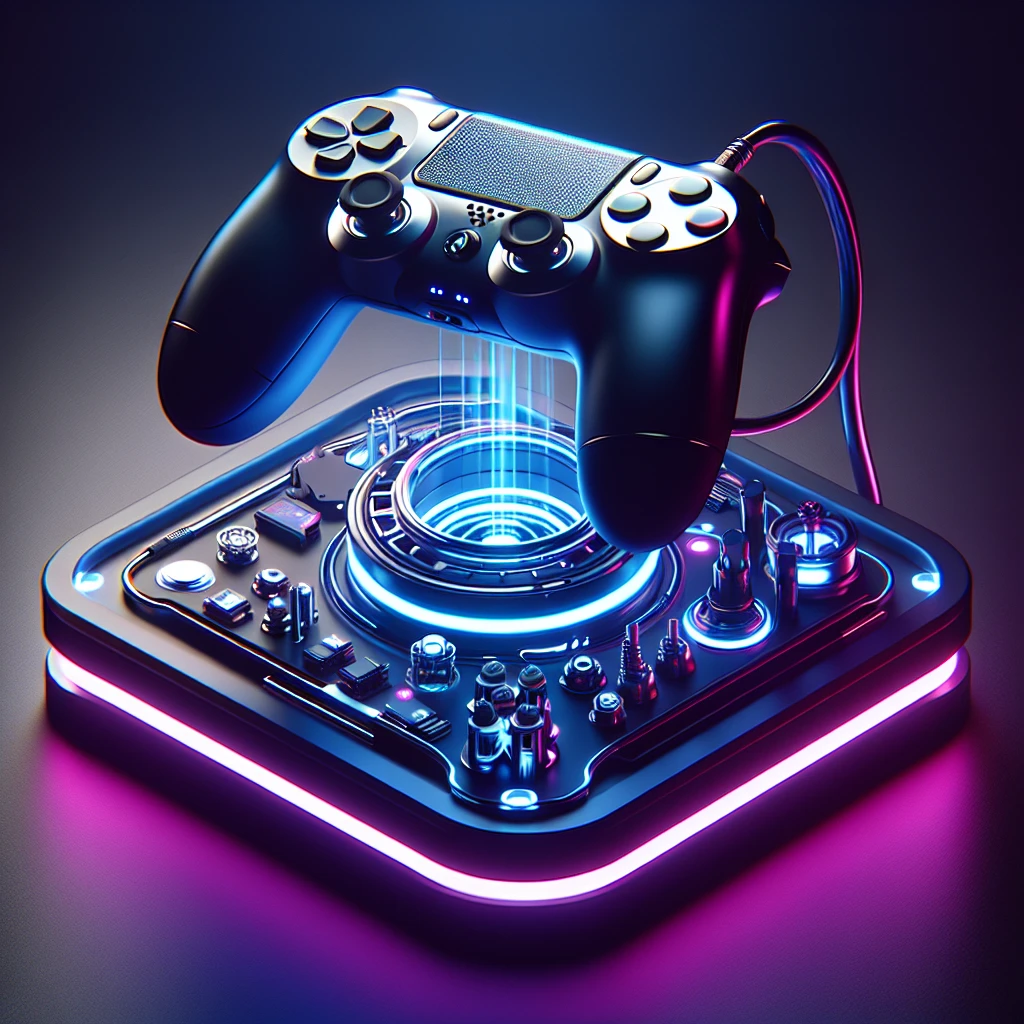
Why the dual sense edge is my absolute go-to controller
Ever missed a crucial sniper shot because your right thumbstick drifted, or lost a frantic gunfight because your trigger pull was just a millimeter too long? If you’re seriously eyeing the dual sense edge, you already know the absolute pain of playing at a mechanical disadvantage. You know the frustration of feeling like your hardware is holding your reaction time hostage.
Look, I’ve been there. Back when I was grinding ranked Apex matches during those long winter blackouts in Kyiv, my gaming window was strictly limited to a few hours a day. Playing on a basic, worn-out pad felt like trying to run a marathon in a pair of heavy rubber boots. I needed every single advantage I could get during those brief windows of electricity. Getting this premium controller completely changed the entire dynamic of my setup. Suddenly, my inputs were registering faster, my thumbs were resting comfortably on the perfect dome caps, and I wasn’t constantly taking my right thumb off the aim stick just to jump or slide.
This isn’t just a shiny, expensive toy. It is a highly tailored piece of hardware designed to mold perfectly to your specific physical playstyle, saving you precious milliseconds that translate directly and undeniably into consistent wins.
Understanding the Core Advantage of Premium Hardware
At its absolute foundation, the dual sense edge is about eliminating friction between your brain’s intent and the on-screen action. Standard controllers are built for the average user playing an average game. But if you play competitively, you aren’t average, and you shouldn’t be settling for one-size-fits-all hardware.
What makes this specific piece of tech so incredibly valuable is its total modularity. The entire controller acts as a customizable platform rather than a static piece of plastic. You have hot-swappable thumbstick modules, adjustable trigger stops that physically alter the throw distance of your L2 and R2 buttons, and highly configurable back paddles that map to any face button.
Comparing the Titans of Control
| Feature | Standard DualSense | Dual Sense Edge | Custom Aftermarket (e.g., Scuf) |
|---|---|---|---|
| Back Paddles | None | 2 (Swappable profiles) | Up to 4 (Fixed) |
| Trigger Stops | None | Physical sliders (3 levels) | Physical or Digital Tap |
| Stick Replacement | Requires soldering | Hot-swappable modules | Requires entire controller replacement |
| Software Customization | System level only | Deep native UI integration | Often requires PC software |
To truly grasp the value proposition, let’s look at two specific examples of how this changes your gaming sessions:
First Example: You’re playing a fast-paced shooter like Call of Duty. By flipping the physical switches on the back of the controller to the lowest setting, your triggers suddenly act like a mouse click. You fire exactly when you intend to, beating your opponent to the draw. Plus, mapping ‘Jump’ and ‘Slide’ to the back buttons means you never lose aim continuity.
Second Example: You boot up Gran Turismo. You switch your controller profile with a two-button combo. Your triggers are now fully active, utilizing the adaptive haptics, and your left stick is utilizing a ‘Precise’ sensitivity curve, allowing you to perfectly trail-brake into tight corners without spinning out.
How to Prepare for Your New Setup
- Make sure your console firmware is fully updated to recognize the native controller software UI seamlessly.
- Gather all the included accessories from the carrying case, including the varying dome sizes for the thumbsticks.
- Identify the two primary games you play the most, as you will want to build specific profiles for them right away.
- Decide whether you prefer the half-dome back buttons or the lever-style paddles based on your grip style (claw vs standard).
Origins of the Pro Controller Market
To really appreciate what we have sitting in our hands today, we have to look back at the origins of the premium controller market. For the longest time, first-party manufacturers completely ignored the competitive scene. If you wanted extra buttons or trigger stops, you had to physically mail your controller to a modding company, wait weeks, and pay exorbitant fees just to get a tactical advantage. These early modders drilled holes into plastic shells and hot-glued tactile switches to the motherboards.
Evolution of Sony’s Hardware Approach
Sony finally dipped their toes into the water toward the end of the PlayStation 4 lifecycle with the DualShock 4 Back Button Attachment. It was an incredibly successful, albeit clunky, piece of plastic with an OLED screen that snapped onto the bottom of a standard controller. It proved one massive point: the mainstream audience desperately wanted back buttons. When the PS5 launched, the standard controller was an ergonomic masterpiece with its haptics and adaptive triggers, but the hardcore crowd was left waiting. They knew that a true pro version was inevitable.
The Modern State of Gaming Gear in 2026
Now that we are deep into 2026, the competitive gaming landscape has evolved drastically. Crossplay is ubiquitous, meaning console players are routinely matched against PC players who have entire keyboards at their disposal. In this highly competitive environment, playing on a standard pad is a massive handicap. The edge was Sony’s definitive answer, offering not just mechanical upgrades, but incredibly deep software integration that third-party controllers still cannot legally replicate on the console platform.
Actuation Mechanics and Trigger Stops
Let’s talk about the actual science behind why this controller feels so incredibly responsive. The physical trigger stops are an engineering marvel of simplicity. When you slide those toggles on the back, you are mechanically blocking the potentiometer inside the trigger assembly from traveling its full distance. Instead of pulling the trigger 10 millimeters to actuate a shot, you are barely pulling it 2 millimeters. Less physical travel time equates to a mathematically faster response time in-game. It reduces finger fatigue during long sessions and allows for rapid semi-automatic fire that borders on unfair.
Potentiometers vs. Stick Modules
The biggest technical plague of modern controllers is stick drift. Standard controllers use potentiometers—tiny carbon tracks that register electrical resistance as you move the stick. Over time, friction literally scrapes the carbon away, causing false inputs. While this controller still utilizes potentiometers out of the box, the engineering brilliance lies in the modular housing. You simply flip a lever, slide the entire analog stick module out, and pop a new one in. You are completely resetting the lifespan of the controller for a fraction of the cost of buying a whole new unit.
- Wireless Latency: Operates on a highly optimized Bluetooth connection that prioritizes polling rate stability, keeping input delay consistently under 5 milliseconds.
- Wired Mode: The included braided cable physically locks into the housing, ensuring zero dropped packets and absolute minimum latency for tournament play.
- Weight Distribution: The internal components are heavily centralized, meaning the slightly increased weight rests in the palms rather than the fingertips, reducing carpal tunnel strain.
- Haptic Motors: Despite the extra hardware, the precise voice-coil actuators for the famous haptic feedback remain completely uncompromised.
A 7-Day Guide to Mastering Your Controller
Transitioning to a pro controller takes time. You cannot expect to buy this, map four new buttons, and instantly play like a professional. You need a structured approach to build new muscle memory. Here is how I recommend you spend your first week.
Day 1: Physical Setup and Customization
Spend your first evening just feeling the hardware. Swap out the thumbsticks. Put the tall dome on the right stick for precision aiming, and the short dome on the left stick for quick directional movement. Try both sets of back buttons and settle on the ones your middle fingers naturally rest against.
Day 2: Navigating the UI and Firmware Updates
Plug the controller into your console. Follow the on-screen prompts to update the firmware. Spend an hour just looking through the native PlayStation menus. Understand how the FN (Function) buttons below the thumbsticks allow you to swap profiles and adjust party chat volume on the fly without ever opening a console menu.
Day 3: Creating Your First Custom Profile
Build a dedicated profile for your favorite shooter. Map ‘Jump’ to your left back button and ‘Crouch/Slide’ to your right back button. Flip the physical trigger stops to the lowest setting. Turn off controller vibration entirely for this profile, as haptic feedback physically shakes your hands and messes up precision aiming.
Day 4: Mastering the Back Buttons
Boot up a game, but completely unbind ‘Jump’ and ‘Crouch’ from your standard face buttons (X and O) in the game settings. Force your brain to rely exclusively on the new back buttons. You will fail. You will die in-game. It will feel incredibly frustrating. Push through it; this is the hardest day.
Day 5: Adjusting Trigger Deadzones
Go back into the controller software. Adjust the digital deadzones for your triggers. Set them so that the very absolute minimum touch registers an input. Combine this digital tweak with your physical trigger stops, and your firing mechanism is now lightning fast.
Day 6: Tuning Stick Sensitivity Curves
Experiment with the right stick sensitivity curves. Try the ‘Dynamic’ curve if you play fast-paced games where you need quick turns but steady micro-adjustments. Try ‘Precise’ if you are a sniper. Adjust the slider to see how it affects your reticle movement in the training range of your game.
Day 7: Building Muscle Memory in Live Matches
By day seven, the back buttons should start feeling natural. Your thumb should rarely have to leave the right analog stick. Start jumping into unranked live matches and focus entirely on movement mechanics. Notice how much more fluid your gameplay feels when you can track an enemy, jump, and shoot simultaneously.
Myths vs. Reality of Premium Hardware
Myth: Buying this will instantly make me a professional gamer.
Reality: No piece of hardware can replace raw game sense and map knowledge. It simply raises your mechanical ceiling, removing the hardware barriers that were preventing you from executing the plays you visualize.
Myth: The battery life is absolutely terrible.
Reality: While the battery is physically smaller than the base controller to make room for the extra hardware, it still comfortably manages a solid 5 to 6 hours of continuous, heavy gameplay. For competitive players who routinely plug in for zero latency anyway, this is a complete non-issue.
Myth: Stick drift is impossible on this controller.
Reality: It still uses mechanical parts that wear down over time. The difference is that a drifted stick is no longer a death sentence for the entire controller. A cheap, fast module swap solves the problem permanently.
Frequently Asked Questions
Does it work on PC natively?
Yes, Steam fully supports the controller natively, and Sony provides a dedicated app on Windows to adjust profiles and settings just like on the console.
Are the stick modules replaceable?
Absolutely. It takes roughly ten seconds to pop off the front faceplate, lift the locking lever, and slide a completely new analog module into place.
How long is the braided cable?
The included highly durable braided USB-C cable is 2.8 meters long (roughly 9 feet), making it plenty long enough for most living room setups.
Can I use it for fighting games?
Yes, the D-pad is exceptionally precise, and mapping complex macros to the back buttons can make executing difficult combos significantly easier.
Is it heavier than the standard pad?
It is slightly heavier (about 325 grams compared to 280 grams), but the premium materials and perfect weight distribution make it feel incredibly balanced in your hands.
Do I need a PS5 to update it?
Not anymore. With the official PC application, you can update firmware and adjust all your profiles directly from your desktop computer.
Are there third-party thumbsticks available?
Yes, several third-party companies now produce different colored shells, convex and concave thumbsticks, and specialized grips specifically designed to fit the edge platform.
Ultimately, making the jump to high-end hardware is an investment in your own gaming experience. It is about demanding precision and refusing to let cheap plastic dictate your success. Take the time to dial in your settings, get through the initial muscle-memory learning curve, map those back buttons carefully, and absolutely start dominating your lobbies. Grab your controller, lock in your profile, and I’ll see you on the leaderboards.





Leave a Reply